
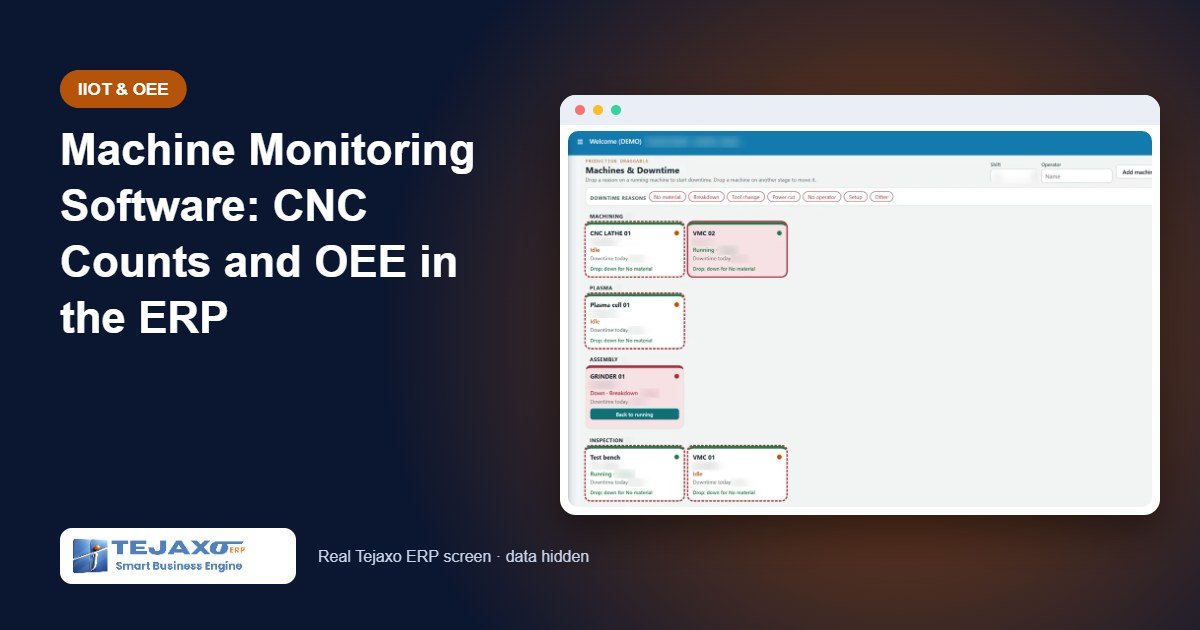
Walk through any CNC or VMC shop at the end of a shift and you will see the same routine: an operator writing the day’s piece count on a production slip, a supervisor adding up downtime from memory, and someone in the office typing it all into the ERP the next morning. By the time the numbers reach the plant head, they are a day old and rounded off. Machine monitoring software removes this manual step by taking cycle counts and run time directly from the machine.
The bigger problem is not the typing; it is trust. When counts are written by hand, OEE becomes an opinion. Planners schedule on capacity that does not exist, costing uses run times that were never measured, and a machine that is idle for two hours a day looks fully loaded on paper. This article explains how Tejaxo connects machines to Tejaxo ERP, how OEE is calculated, and what the plant gets from it. The machine-to-ERP connection described here is live at a client’s machining plant.
Why manual production entry gives the wrong OEE
- Short stops disappear. A five-minute stop for a tool change or a missing part is rarely written down, but twenty of them in a shift add up to a large share of the shift.
- Counts are rounded. “About 350” becomes the official production figure for the shift.
- Idle time is invisible. A machine that is powered on but not cutting looks the same as a running machine on a production slip.
- Data arrives late. When numbers are typed the next day, a problem is found after it has already cost a shift.
Every downstream calculation – capacity, scheduling, costing – inherits these errors.
How machine data reaches the ERP
Tejaxo uses a simple three-layer architecture:
- Machine or device – CNC and VMC machines, and also SCADA systems and data loggers.
- Tejaxo connector – reads the data, cleans it and buffers it, so a short network break does not lose readings.
- ERP and dashboards – the data lands in production, OEE, maintenance and quality in Tejaxo ERP.
From CNC and VMC machines, the connector brings cycle counts, run and idle time, OEE and downtime straight from the machine. The same approach works for other plant data: Tejaxo SCADA and Tejaxo Logger are Tejaxo’s own products linked to the ERP, and AutoCAD drawing and BOM data can flow into item masters and BOMs. Our principle is simple: if it holds data, we connect it to Tejaxo.
CNC-01, CNC-02
VMC-01
SCADA, loggers
reads, cleans,
buffers data
production, OEE,
maintenance, quality
OEE software basics: the three numbers
Overall Equipment Effectiveness (OEE) answers one question: of the time a machine was planned to produce, how much produced good parts at the ideal speed? It is the product of three factors:
- Availability = run time / planned production time. It falls with breakdowns, setups and waiting.
- Performance = (ideal cycle time x total count) / run time. It falls with slow cycles and short stops.
- Quality = good count / total count. It falls with rejects and rework.
OEE = Availability x Performance x Quality. Each factor needs accurate run time and counts – which is exactly what machine data provides.
Worked example: one shift on CNC-01
Sample data for an eight-hour shift producing Product A, with an ideal cycle time of 1.0 minute per piece:
| Item | Value | Calculation |
|---|---|---|
| Planned production time | 480 min | 8-hour shift |
| Downtime (tool change, waiting for material) | 60 min | from machine idle / stop time |
| Run time | 420 min | 480 – 60 |
| Total count | 360 pcs | machine cycle count |
| Good count | 342 pcs | after 18 rejects |
| Availability | 87.5% | 420 / 480 |
| Performance | 85.7% | (1.0 x 360) / 420 |
| Quality | 95.0% | 342 / 360 |
| OEE | 71.3% | 0.875 x 0.857 x 0.95 |
Now compare this with a manual slip that says “350 pieces, no major breakdown”. Availability would be recorded as 100%, and the 60 minutes of stops – the biggest improvement opportunity in this shift – would never be seen. With counts and run time from the machine, the loss shows up the same day, by machine and by reason.
Where the losses hide
OEE is most useful when each lost minute is linked to a cause. Production engineers usually group losses into six types, and each one reduces one of the three factors:
| Loss | Shop-floor example | Reduces |
|---|---|---|
| Breakdowns | Spindle fault, hydraulic leak | Availability |
| Setup and changeover | Fixture change between Product A and Product B | Availability |
| Short stops | Chip jam, waiting for the next blank | Performance |
| Reduced speed | Feed rate lowered after a quality issue | Performance |
| Startup rejects | First pieces out of tolerance after setup | Quality |
| Production rejects | Dimensional rejects during the run | Quality |
Manual slips usually capture only the first type, and only when the stop was long. Machine run and idle time expose the others, especially short stops and slow cycles.
A simple daily review routine
Data changes results only when someone acts on it. A routine that works in most machine shops:
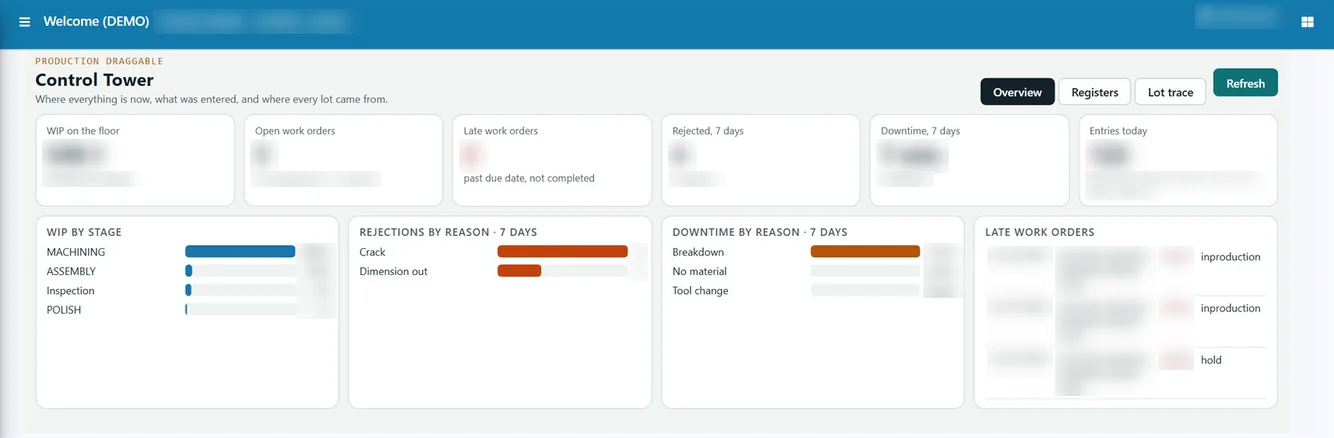
- Start of shift: the supervisor checks the previous shift’s OEE by machine and the top downtime reasons.
- Mid-shift: machines that are idle or down are followed up while the problem is still fixable.
- Daily meeting: production, maintenance and quality review the three lowest-OEE machines and agree one action for each.
- Weekly: the plant head compares MTBF and MTTR trends with maintenance plans, and planners update machine capacity used in scheduling.
Because the numbers come from the machines and sit in the ERP, nobody spends the meeting arguing about whose count is correct.
What the plant gets in Tejaxo ERP
Production and OEE reports
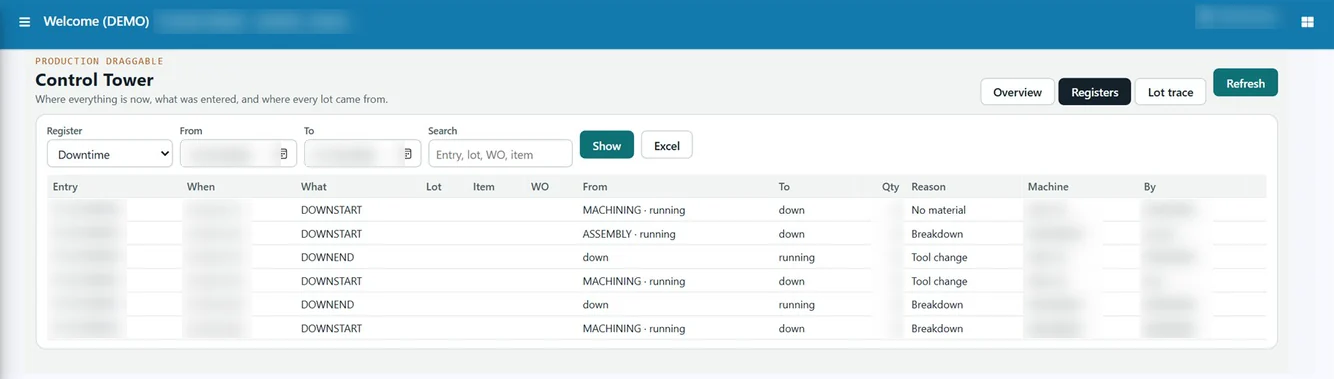
Tejaxo ERP’s production module already captures OEE on production entry and reports OEE, utilisation, MTBF, MTTR and scrap yield. With machine data feeding it, these reports are built on measured values instead of typed estimates. Read more on our production planning software page.
Planning on real machine hours
Job cards in Tejaxo ERP are scheduled forward on each machine’s hours, and plant capacity planning compares machines required per machine type with machines available, showing shortfall or spare capacity and load %. Measured run times and cycle counts make both far more reliable.
Costing that reflects the shop floor
Work-order costing in Tejaxo ERP includes machine cost as run minutes x machine rate, alongside material, labour and overhead, so profit per work order is invoiced value minus the cost of units sold. When run minutes come from the machine, the machine cost line is measured rather than assumed.
Visibility for supervisors and the owner
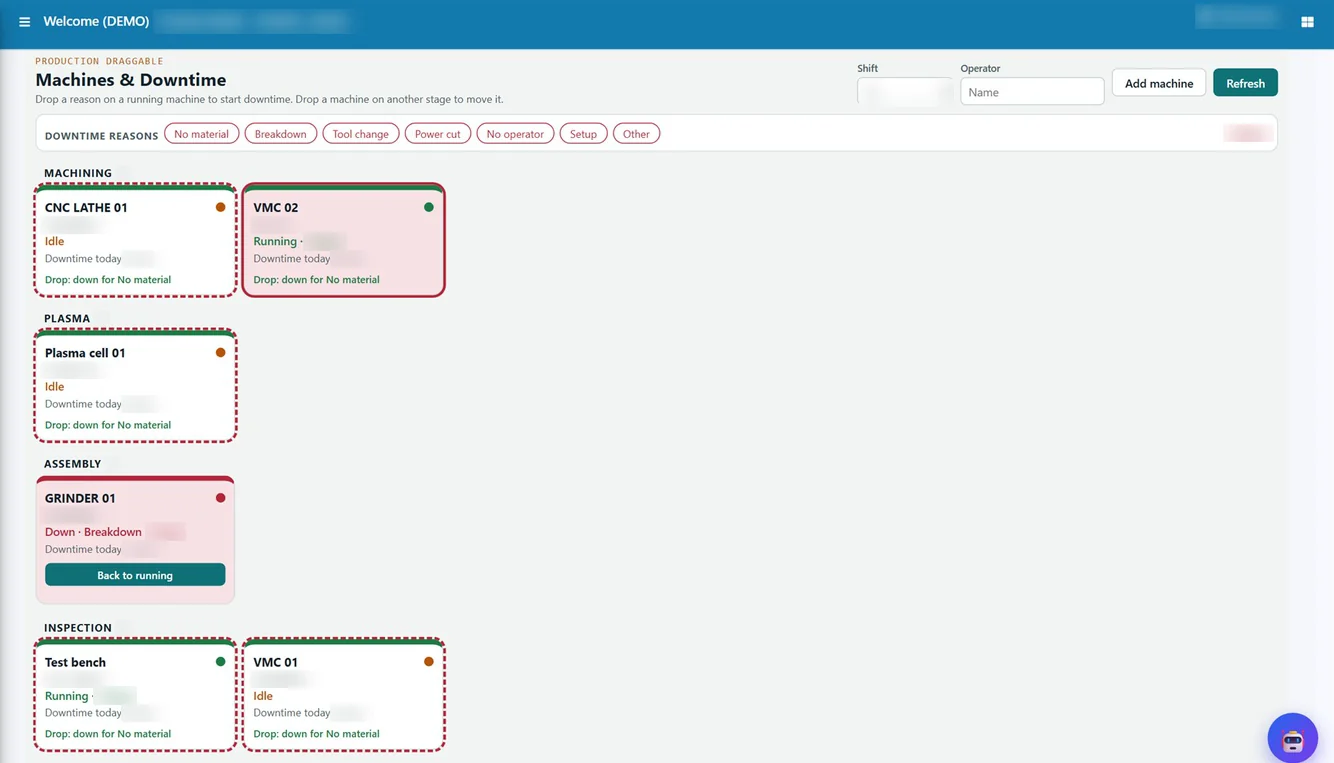
Production dashboards and business intelligence views show machine performance alongside orders, dispatches and quality, and every figure drills down to its records. For shop-floor control, the Production Draggable boards show machine status tiles (running, idle, down with reason), where supervisors record downtime by dragging a reason chip.
Common mistakes in machine monitoring projects
- Collecting data nobody uses. Signals sitting in a separate screen do not change decisions. Putting counts and downtime into the ERP, next to work orders and costing, makes them part of daily work.
- Losing data on network breaks. The Tejaxo connector buffers data, so a short outage does not create gaps.
- Measuring OEE without reasons. A low availability figure is only useful when the stop reasons are known; reason-wise downtime turns a number into an action list.
- Trying to connect every machine on day one. Starting with the bottleneck machines gives the clearest early picture.
Who it is for
Machine-to-ERP integration suits manufacturers with CNC and VMC machines where capacity and machine cost drive margins: auto components, machinery and equipment, precision machining and forging with machining lines. It works best when the plant already plans production in the ERP, because measured data then flows straight into schedules and costing.
How Tejaxo implements this
We start with a discovery visit to list the machines, controllers and the reports your team needs. We then run a pilot on your own machines and work orders, compare machine data with the existing production slips, and agree on downtime reasons. Go-live includes training for operators, supervisors and planners, and the same team supports the system afterwards.
To see machine counts and OEE flowing into Tejaxo ERP, book a free demo or WhatsApp us at +91 96717 27474.
Frequently asked questions
What data does Tejaxo take from CNC and VMC machines?
Cycle counts, run and idle time, OEE and downtime, taken directly from the machine through the Tejaxo connector and stored in Tejaxo ERP.
How is OEE calculated?
OEE is Availability x Performance x Quality: run time over planned time, ideal cycle time x total count over run time, and good count over total count.
Is machine-to-ERP integration already in use?
Yes. The connection of CNC and VMC machines to Tejaxo ERP is live at a client plant.
What happens if the network goes down?
The Tejaxo connector reads, cleans and buffers machine data, so a short network break does not lose readings.
Which reports use the machine data?
Tejaxo ERP reports OEE, utilisation, MTBF, MTTR and scrap yield, and machine run minutes feed work-order costing and capacity planning.
Can we connect other plant systems as well?
Yes. SCADA systems and data loggers can be connected in the same way, and AutoCAD drawing and BOM data can flow into item masters and BOMs.