
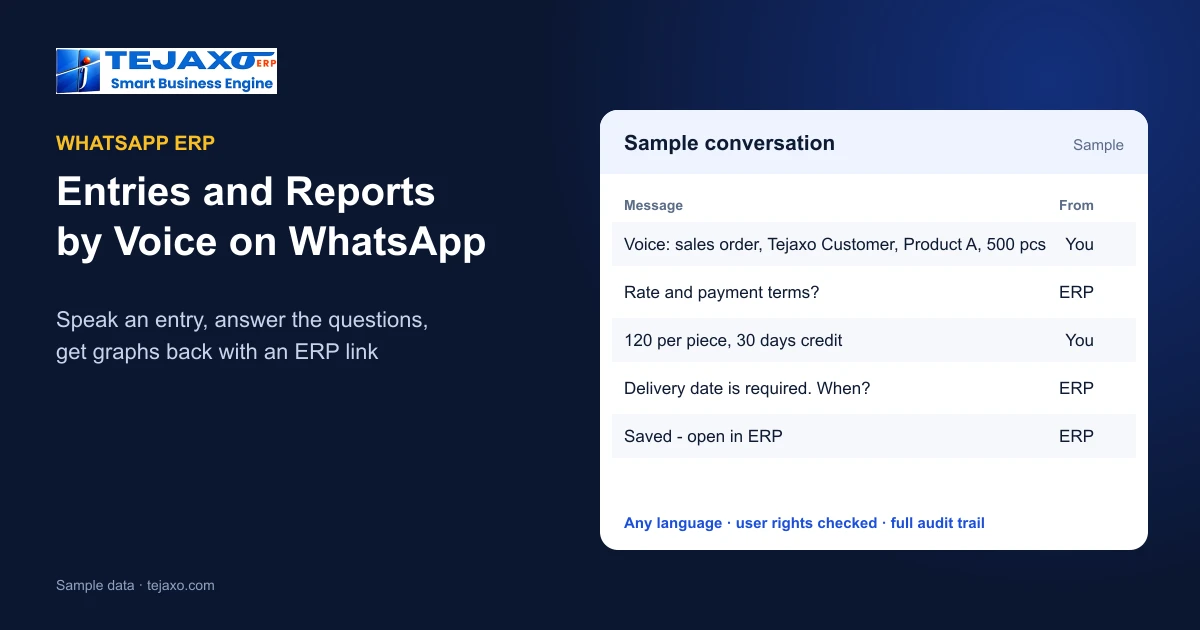
Most people in a factory already live on WhatsApp. The ERP, on the other hand, waits on a desktop that the store keeper, the supervisor or the owner on the road cannot reach. A WhatsApp ERP closes that gap: the ERP itself listens on WhatsApp. With Tejaxo ERP you can make any entry by typing or simply speaking a message, and ask for any report or graph the same way. This guide explains how it works, how the system asks for missing details, how user rights are enforced, and where it saves the most time.
What a WhatsApp ERP means
A WhatsApp ERP is not a chatbot that only answers questions. It is the ERP working through WhatsApp in both directions:
- Entries in: sales orders, gate entries and GRNs, expenses, attendance, production entries, payment receipts, invoices and the other documents of the ERP can be created from a WhatsApp message.
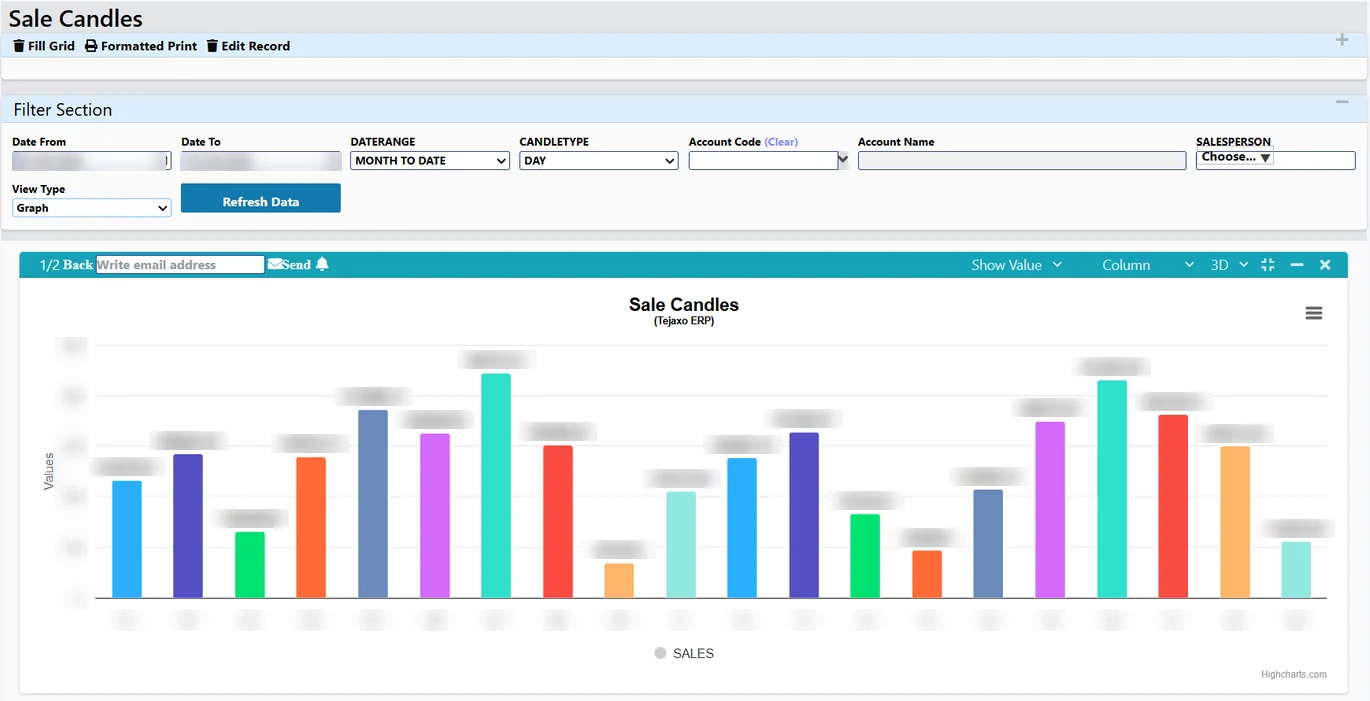
- Answers out: any report or graph is sent back as an image, together with a link that opens the same report in the ERP.
- Same rules: the same user rights, the same mandatory fields and the same audit trail as the ERP screen.
Typing or speaking – in any language
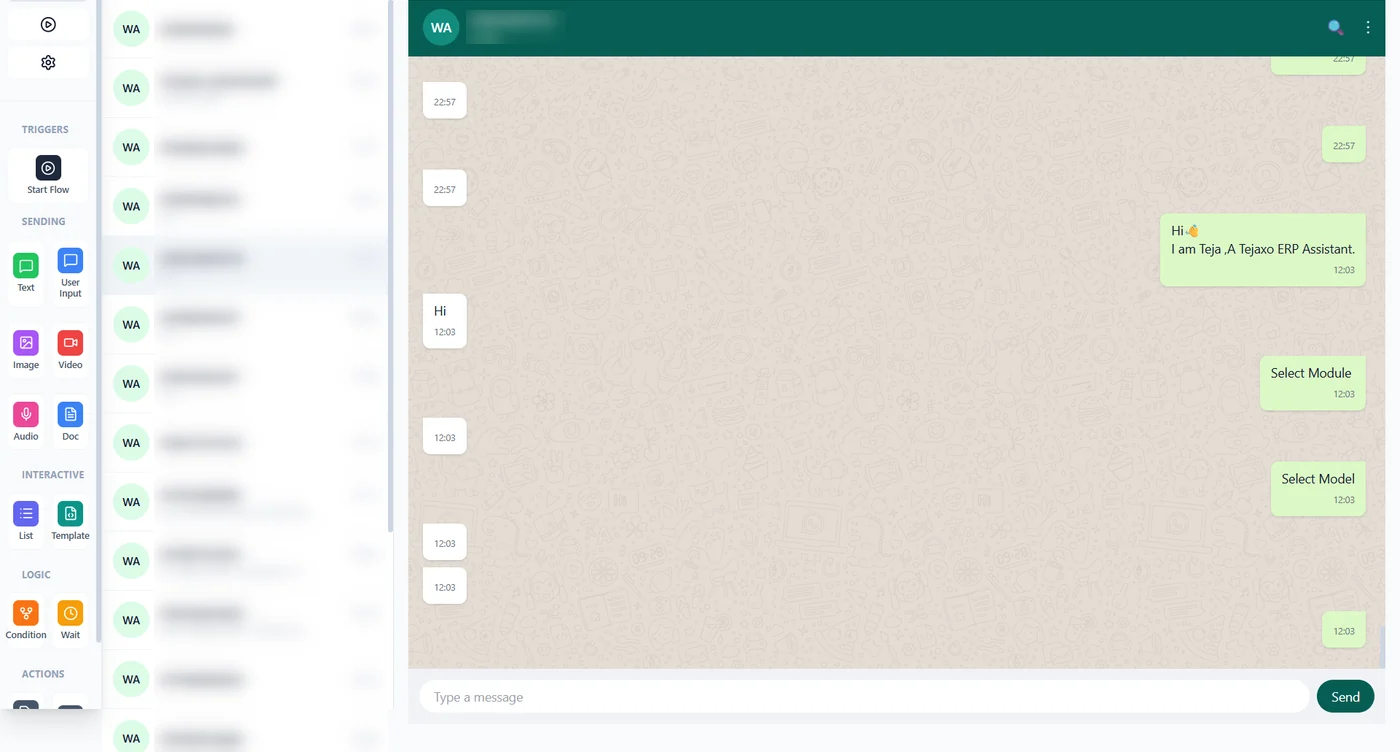
Entries and questions can be typed or sent as voice messages, in Hindi, English, Hinglish or another language. A supervisor on the shop floor can record production in the language they think in; the owner can ask for numbers while driving. Published screens and documents in the ERP stay in their normal format – only the way of talking to the system changes.
How an entry is completed: the system asks what is missing
People rarely say everything in one message. Tejaxo ERP checks the message against the same mandatory fields as the ERP screen for that document. If something is missing or unclear – the rate, the payment terms, the delivery date, the warehouse – it asks a short question on WhatsApp. The user answers, and the entry is saved only when every required detail has been received. Nothing half-filled reaches the books.
- The user types or speaks the entry.
- The ERP reads it and matches the customer, item, supplier or employee against the masters.
- Missing or doubtful details are asked for, one question at a time.
- When the document is complete and the user has the right to save it, it is saved and confirmed with a link.
Reports and graphs on WhatsApp
Ask in plain words – for example “top 10 overdue debtors” or “dispatch this month vs last” – and the answer comes back as an image or a graph, with a link that opens the full report in the ERP for drill-down. Owners use it for the morning check of sales, collections and dues; plant heads for production and dispatch; accounts for receivables and payables. The figures come from the posted ERP records, so the WhatsApp answer and the ERP screen always match.
Who can enter what: rights and the audit trail
Each WhatsApp number is linked to an ERP user, and that user’s rights decide what can be done. If a store keeper’s user may save gate entries but not invoices, an invoice request is refused with a clear reply such as “You do not have rights to save invoice”. Approvals – purchase requisitions, purchase orders and payments – follow the same approval rules as in the ERP and can be released from the phone. Every action is recorded in the audit trail.
Where a WhatsApp ERP saves the most time
- Gate and stores: gate entry and GRN recorded at the gate instead of later at a desk.
- Shop floor: production and rejection entries spoken by the supervisor at the machine.
- Sales on the road: sales orders and payment receipts entered from the customer’s office.
- Owners and managers: approvals and daily numbers without opening a laptop.
- HR: attendance and expense entries from the field.
WhatsApp ERP vs WhatsApp messaging tools
| WhatsApp messaging tool | Tejaxo WhatsApp ERP | |
|---|---|---|
| Main use | Marketing broadcasts and chat replies | Running the business: entries, approvals, reports |
| Data entry into ERP | No, or through manual copy | Any ERP entry by text or voice |
| Missing details | Not checked | Asked for until mandatory fields are complete |
| Reports | Not available | Images and graphs with an ERP link |
| Rights and audit | Shared login | ERP user rights per mobile number, full audit trail |
Getting started
WhatsApp works with the rest of Tejaxo ERP – production, inventory, purchase, sales, GST and accounts – see WhatsApp ERP automation, AI ERP vs traditional ERP and WhatsApp CRM. Watch the short video Run your factory from WhatsApp, then book a free consultation to see entries and reports on WhatsApp with your own items and customers.
Frequently asked questions
What is a WhatsApp ERP?
An ERP that works through WhatsApp in both directions: entries such as sales orders, gate entries, expenses, attendance, production and receipts are made from WhatsApp messages, and reports and graphs come back on WhatsApp.
Can I make ERP entries by voice on WhatsApp?
Yes. In Tejaxo ERP any entry can be typed or sent as a voice message, in Hindi, English, Hinglish or another language.
What happens if I miss a detail in my message?
The ERP checks the same mandatory fields as the ERP screen. If the rate, payment terms or any required detail is missing or unclear, it asks on WhatsApp, and the entry is saved only when all required data is received.
How do reports come back on WhatsApp?
As images and graphs, with a link that opens the same report in the ERP for drill-down. Example requests: “top 10 overdue debtors”, “dispatch this month vs last”.
Can anyone save any document from WhatsApp?
No. Each WhatsApp number is linked to an ERP user. If that user has no right to save, for example, an invoice, the reply says so and nothing is saved. Every action is in the audit trail.
Does WhatsApp ERP replace the ERP screens?
No. It is another way into the same Tejaxo ERP, for people who are on the shop floor, at the gate or travelling. The ERP screens remain for detailed work.