
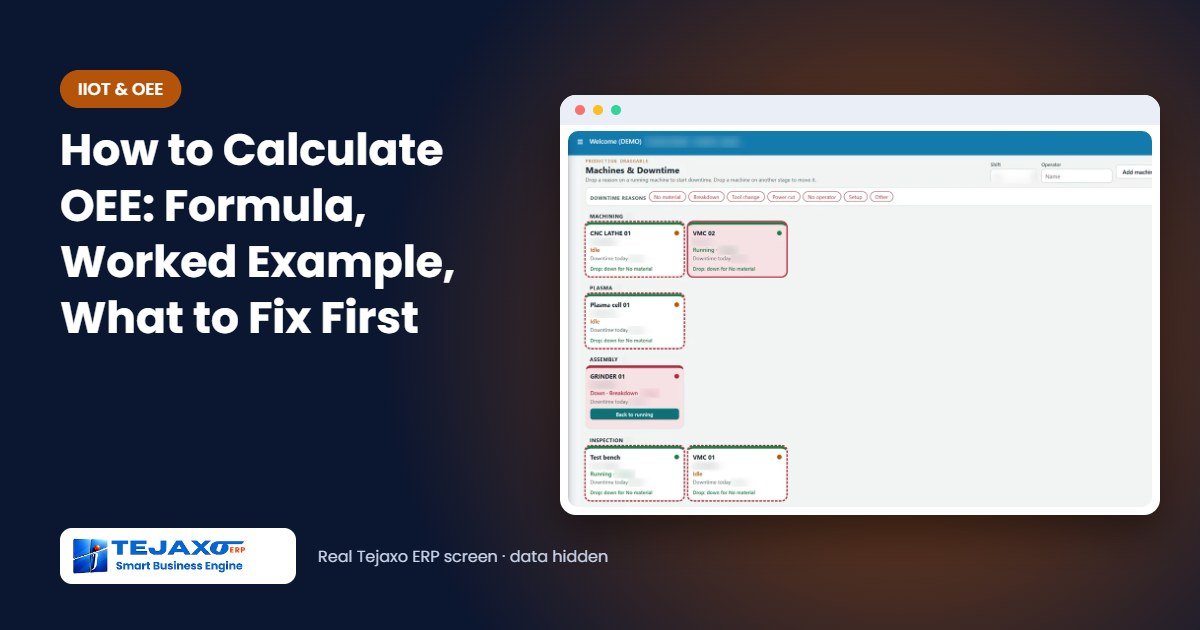
Every plant head has been told that a machine “ran the full shift”, only to find at the end of the day that output was well below what the machine can make. Overall Equipment Effectiveness (OEE) explains the gap. It is one number that shows how much of the planned time on a machine actually produced good parts at full speed. This guide explains the OEE calculation step by step, with a worked example for a CNC machine, how it differs from utilisation, and what to fix first once you know the number.
Want the answer for your own machine? Use our free OEE calculator – enter one shift and see availability, performance, quality and OEE instantly.
The OEE formula
OEE is the product of three ratios:
OEE = Availability x Performance x Quality
- Availability = Run time / Planned production time. It captures stops: breakdowns, set-ups and changeovers, waiting for material or an operator.
- Performance = (Ideal cycle time x Total count) / Run time. It captures speed losses: small stops and running slower than the ideal cycle time.
- Quality = Good count / Total count. It captures parts that were rejected or need rework.
Multiplied together, the three ratios reduce to a simple check: OEE = (Good count x Ideal cycle time) / Planned production time. In other words, the time it would have taken to make only the good parts at full speed, as a share of the time the machine was planned to run.
Worked example: one shift on a CNC machine
A CNC turning machine at Tejaxo Manufacturing runs Product A, with an ideal cycle time of 1.2 minutes per piece (sample numbers).
| Item | Minutes or pieces |
|---|---|
| Shift length | 480 min |
| Planned break | 30 min |
| Planned production time | 450 min |
| Set-up | 40 min |
| Breakdown | 20 min |
| Run time | 390 min |
| Total count | 280 pcs |
| Rejected | 14 pcs |
| Good count | 266 pcs |
- Availability = 390 / 450 = 86.7%
- Performance = (1.2 x 280) / 390 = 336 / 390 = 86.2%
- Quality = 266 / 280 = 95.0%
- OEE = 86.7% x 86.2% x 95.0% = 70.9%
Check with the simple formula: 266 good pieces x 1.2 minutes = 319.2 minutes of “perfect” production out of 450 planned minutes, which is also 70.9%. The machine was “running” for most of the shift, but nearly 30% of the planned time produced nothing saleable.
OEE vs utilisation: which one to use
The two are often confused. Utilisation is usually run time as a share of the time available, for example 390 / 480 = 81.3% of the shift in the example above. It tells you how busy a machine is, which matters for capacity planning and for deciding whether you need another machine. OEE tells you how well the machine is used while it is planned to run, which matters for improvement. A machine can show high utilisation and a poor OEE if it runs slowly or makes rejects.
Two more measures complete the picture for maintenance: MTBF (mean time between failures = run time / number of breakdowns) and MTTR (mean time to repair = total repair time / number of breakdowns).
What is a good OEE?
A figure of 85% is often quoted as world class for discrete manufacturing, but the number that matters is your own trend, machine by machine. A plant measuring OEE for the first time often finds figures well below its own estimate, because breaks, set-ups and small stops were never written down. Measure first, then improve one loss at a time.
The six big losses, and what to fix first
| OEE factor | Loss | Typical fix |
|---|---|---|
| Availability | Breakdowns | Preventive maintenance driven by MTBF |
| Availability | Set-ups and changeovers | Quick changeover, grouping similar jobs |
| Performance | Small stops | Record stop reasons, fix the most frequent |
| Performance | Reduced speed | Correct the ideal cycle time, check tooling |
| Quality | Start-up rejects | First-piece approval, stable settings |
| Quality | Production rejects and rework | Defect Pareto and root cause by reason |
Start with the factor that is lowest. In the example, availability and performance are both about 86%, so the 40-minute set-up and the slow running are the first places to look, not quality.
Common mistakes in OEE calculation
- Counting planned breaks as downtime: breaks are removed before planned production time, otherwise availability looks worse than it is.
- Using the average cycle time: performance must use the ideal (best demonstrated) cycle time; the average hides the speed loss you are trying to find.
- Counting rework as good: a part that needed rework was not good the first time and belongs in the quality loss.
- Averaging OEE across machines: a plant figure must be weighted by planned time; a simple average of machine OEEs misleads.
- Writing it up at month-end: stops recorded from memory are always shorter than they really were.
How to start measuring OEE in your plant
- Pick two or three bottleneck machines, not the whole plant. The machines that decide your dispatch dates are where an extra hour matters.
- Fix the ideal cycle time for each part on those machines, from the best rate the machine has actually achieved.
- Agree a short list of stop reasons, such as breakdown, set-up, no material, no operator, quality check and power, so every stop falls into one of them.
- Record every stop and every reject with its reason during the shift, not at the end of the day.
- Review the numbers every week with the supervisors, pick the biggest loss, and check the following week whether it has come down.
Within a few weeks the plant has its first reliable baseline, and the conversation moves from “the machine was running” to “we lost 40 minutes on set-up”.
Measuring OEE without manual calculation in Tejaxo ERP
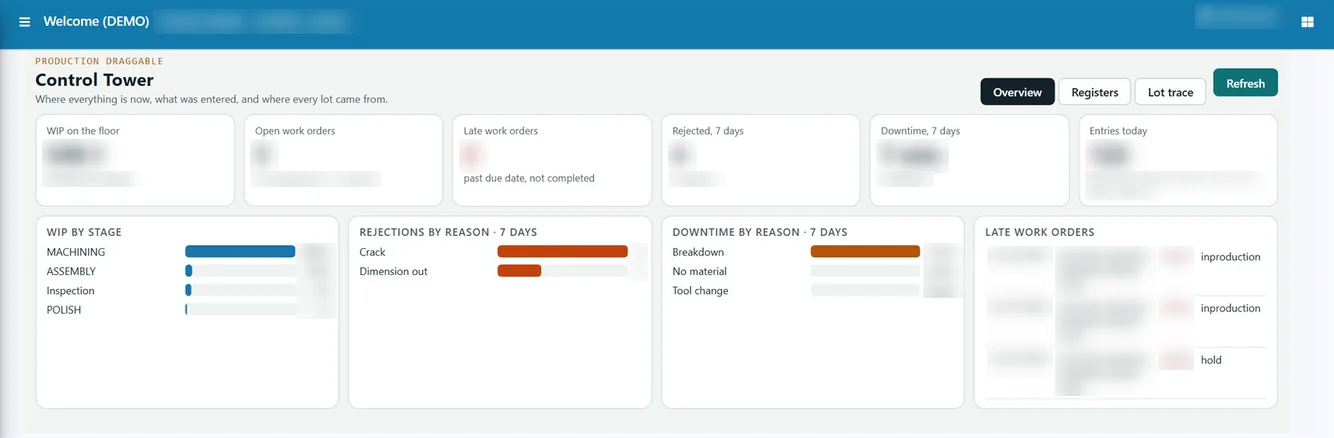
In Tejaxo ERP, OEE is captured on the production entry itself: the supervisor records output, rejections with a reason, and downtime with a reason, and the system works out availability, performance and quality. The production reports show OEE, utilisation, MTBF, MTTR and scrap and yield for each machine and period.
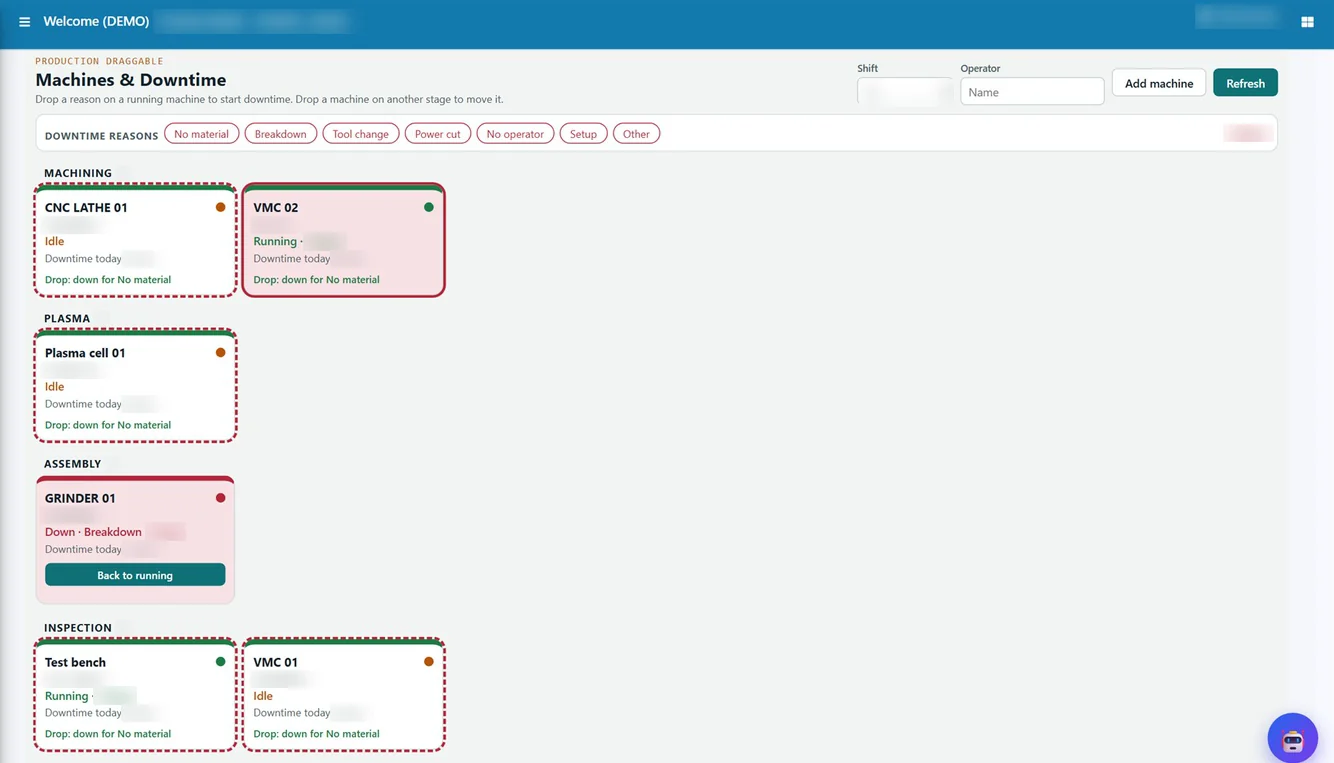
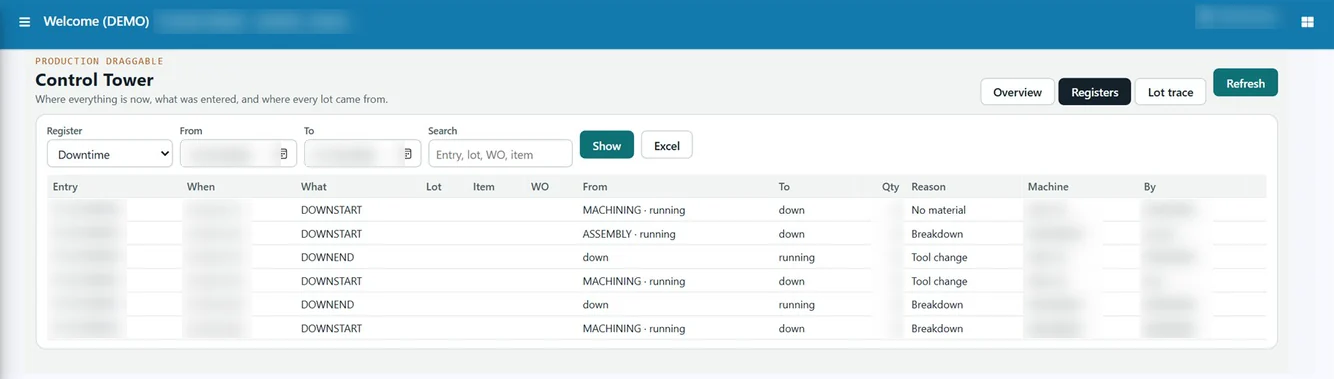
On the production boards, machine tiles show which machines are running, idle or down, and a stop is recorded by dragging a reason onto the machine, so the downtime register builds up as the shift runs. Where machines can be connected, CNC and VMC cycle counts, run and idle time come straight from the machine into the ERP; this is already live at a Tejaxo ERP client. The same machine hours feed plant capacity planning, so the hours you lose show up as machines required vs available.
Start measuring OEE on your machines
Tell us how your shifts, machines and rejections are recorded today, and we will show you your OEE in Tejaxo ERP with your own data. Book a free demo, try the interactive demo or WhatsApp us at +91 96717 27474. Read more about production planning and MRP.
Frequently asked questions
How do you calculate OEE?
Multiply availability (run time / planned production time), performance (ideal cycle time x total count / run time) and quality (good count / total count). The short form is good count x ideal cycle time / planned production time.
Is OEE the same as machine utilisation?
No. Utilisation shows how much of the available time a machine ran. OEE shows how much of the planned time produced good parts at full speed, so it also counts slow running and rejects.
Should planned breaks be included in OEE?
No. Planned breaks and periods with no production planned are removed first. OEE is measured against planned production time.
What is a good OEE for a CNC machine?
Around 85% is often quoted as world class, but most plants start lower. Track the trend for each machine and fix the lowest of availability, performance and quality first.
What is the difference between MTBF and MTTR?
MTBF is the average run time between breakdowns (run time / number of breakdowns). MTTR is the average time taken to repair a breakdown (total repair time / number of breakdowns).
Can Tejaxo ERP calculate OEE automatically?
Yes. OEE is captured on the production entry with output, rejections and downtime reasons, and reported with utilisation, MTBF and MTTR. Where machines can be connected, cycle counts and run and idle time come directly from CNC and VMC machines.