
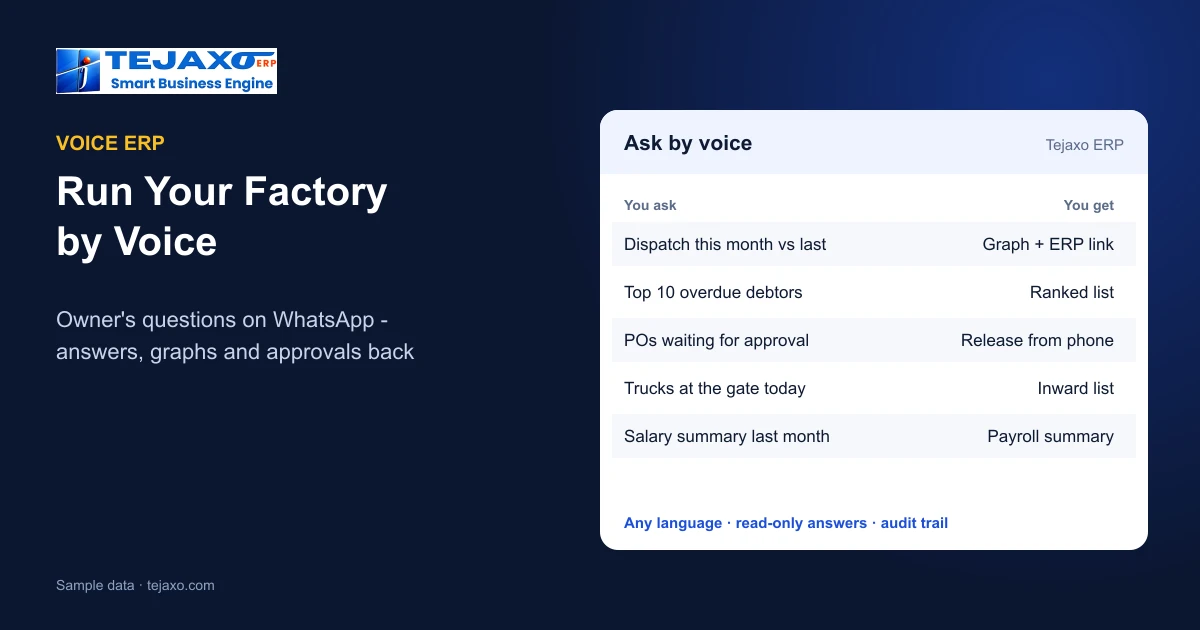
A voice ERP lets a factory owner run the business by speaking: you send a WhatsApp voice note such as “dispatch this month vs last” and the ERP replies with the figure, a graph and a link to the full report. In Tejaxo ERP this works in Hindi, English, Hinglish and other languages, for questions, approvals and even entries – and every answer comes from the posted ERP records, under the rights of the user linked to that mobile number.
Why owners want a voice ERP
Most owners of small and mid-sized factories do not sit at an ERP screen. They are on the shop floor, at a customer’s plant or on the road, and the questions come to them all day: how much did we dispatch, who has not paid, is the raw material in, which purchase order is waiting. Until now the answer meant a phone call to the accounts or stores team and a wait for an Excel sheet. A voice ERP removes that wait. The owner asks in the language he or she thinks in, on the app already open on the phone, and the ERP answers in seconds.
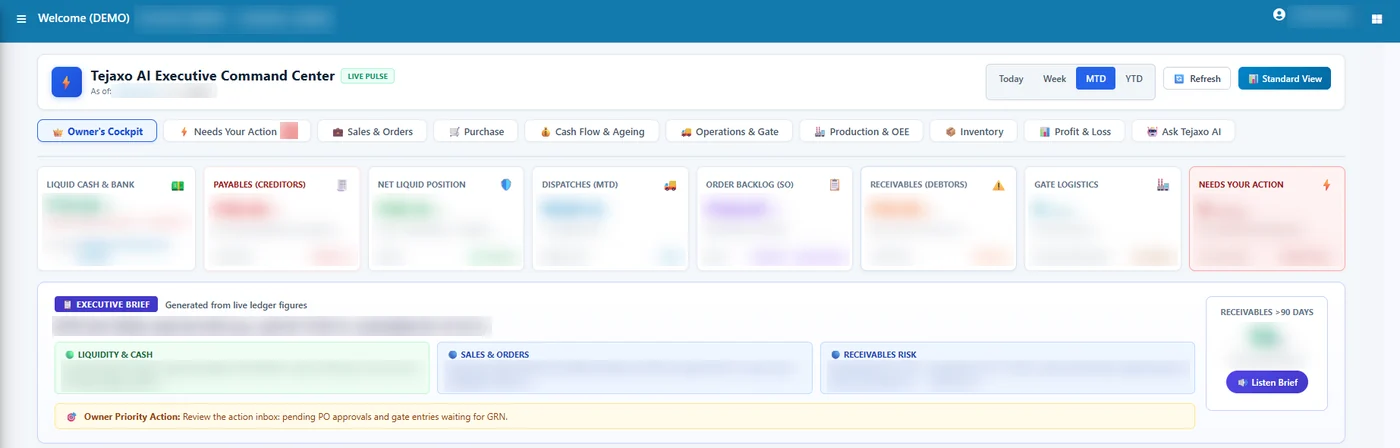
The owner’s questions, grouped the way a factory runs
Owners’ questions fall into the same five areas that the Tejaxo Owner’s Cockpit is built around: Am I making money? Is cash safe? Are customers happy? Is the operation flowing? What needs my attention? Typical spoken questions (examples only) look like this:
| Area | Example question by voice | What comes back |
|---|---|---|
| Sales | “Dispatch this month vs last” | Figure, comparison graph, link to the sales report |
| Cash and dues | “Top 10 overdue debtors” | Ranked list with amounts and bill-wise ageing link |
| Purchase | “Which purchase orders are waiting for approval?” | Pending list with a release option |
| Stores | “Which trucks came in at the gate today?” | Inward list from gate entries |
| People | “Salary summary for last month” | Summary from the payroll records |
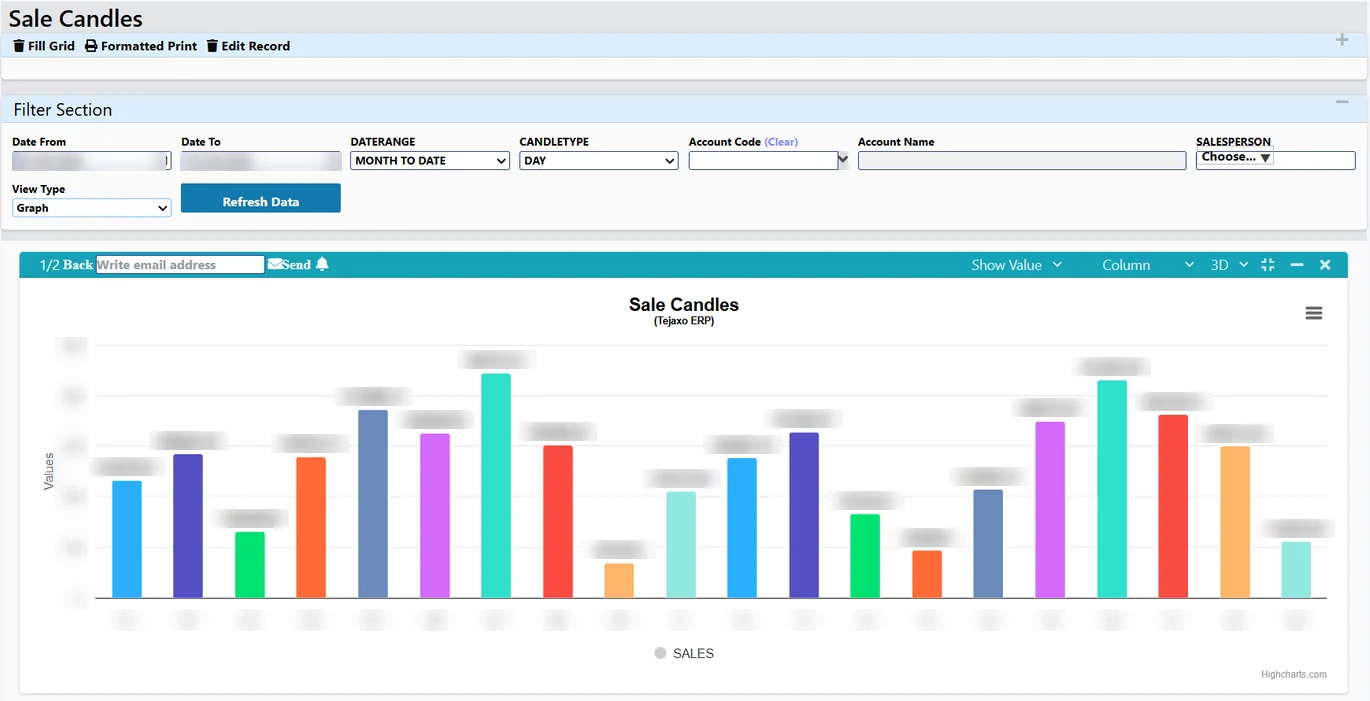
The WhatsApp AI agent answers sales, purchase, receivables, salary and similar ERP questions 24/7. Reports and graphs return on WhatsApp as images, together with a link that opens the same report in the ERP, so a quick answer can always be checked in detail.
How a voice question becomes an ERP answer
- The owner speaks or types on WhatsApp, in any language.
- The ERP identifies the user from the mobile number and applies that user’s rights.
- The question is understood as a metric, a period, a grouping, a top-N or a comparison.
- Proven query templates run first; free-form AI is used only when no template fits, and confirmed answers are reused, so the same question gets the same figure.
- The answer returns as text, a graph image and a link to the ERP report, stating the period, plant and GST basis used.
The answering side is read-only: only SELECT queries run, so the AI cannot change or delete data. We explain this in more detail in can you trust AI answers from your ERP?
Beyond questions: approvals and entries by voice
A voice ERP is most useful when the owner can also act. In Tejaxo ERP, purchase requisitions, purchase orders and payments reach the approver on WhatsApp and can be released from the phone, under the same approval rules as on screen. Alerts on approvals, stock and dues arrive on their own, so the owner does not have to remember to ask.
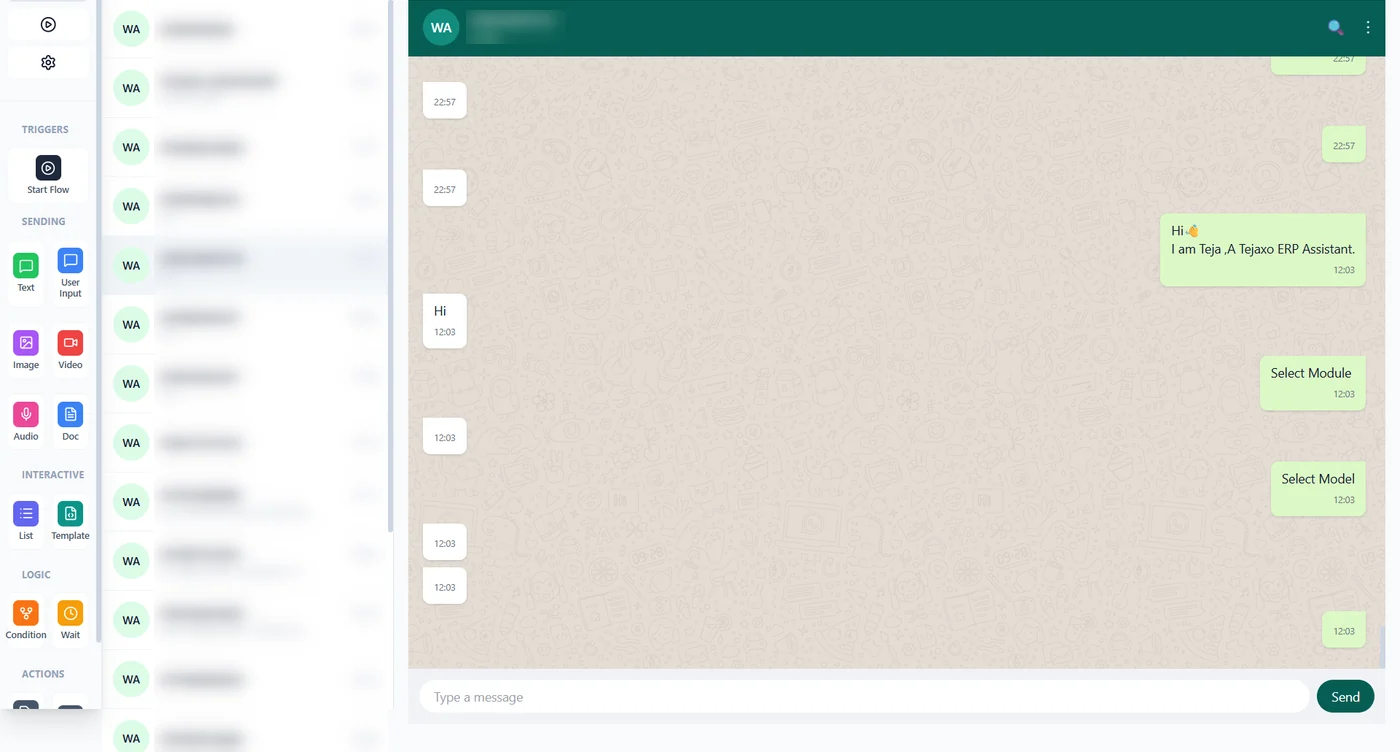
The same channel works for the team. A supervisor, store keeper or salesperson can speak a sales order, gate entry, expense, attendance, production entry or payment receipt. If something is missing – payment terms, rate or a mandatory field of that ERP screen – WhatsApp asks a follow-up question, and the entry is saved only once all required data is received. The full walk-through is in WhatsApp ERP: entries and reports by voice.
What stays with people
Speaking to an ERP must not mean losing control of it. These are the lines Tejaxo ERP keeps:
- User rights per mobile number. A save happens only if the linked ERP user has the right to save that document; otherwise WhatsApp replies, for example, “You do not have rights to save invoice”.
- Read-only answers. The AI that answers questions cannot change or delete data.
- Confirmation before any change made through WhatsApp.
- Approvals stay with the approver; WhatsApp only brings the request to the phone.
- A full audit trail of every entry, approval and AI action – who, what and when.
For how rights and approvals are set up, see approval workflows and user rights in ERP.
Voice ERP vs calling the office
| Calling the office | Voice ERP on WhatsApp | |
|---|---|---|
| Speed | Depends on who is free | Answer in seconds, 24/7 |
| Source of the figure | Someone’s Excel sheet | Posted ERP records |
| Basis | Often unclear | Period, plant and GST basis stated |
| Detail | Another call | Link to the full ERP report |
| Approvals | Wait until back at the desk | Released from the phone under the same rules |
| Record | None | Audit trail of every action |
How to start running your factory by voice
- List the ten questions you ask your team most often each week.
- Link your mobile number to your ERP user and set the rights you want on WhatsApp.
- Use voice for questions and approvals for a month, then extend voice entry to the team, starting with the entry typed most often.
See the WhatsApp side of Tejaxo in ERP with WhatsApp automation, the wider picture in Automated ERP: what runs without manual entry and AI agents in ERP, or book a free consultation to ask your own questions on a demo.
Frequently asked questions
What is a voice ERP?
An ERP that you can question and instruct by speaking. In Tejaxo ERP you send a WhatsApp voice note and get the figure, a graph and a link to the ERP report back, or make an entry or approval by voice.
Which languages does the Tejaxo voice ERP understand?
Voice and text work in Hindi, English, Hinglish and other languages.
What can an owner ask on WhatsApp?
Sales, purchases, receivables, salary and similar ERP questions – for example dispatch this month vs last, or the top 10 overdue debtors. Reports and graphs come back as images with a link to the same report in the ERP.
Can I approve purchase orders by voice on WhatsApp?
Purchase requisitions, purchase orders and payments reach the approver on WhatsApp and can be released from the phone, under the same approval rules as on screen.
Can the AI change ERP data when I ask a question?
No. The answering AI is read-only: only SELECT queries run. Entries are saved only after the required data is complete and only under the rights of the user linked to that mobile number, with a full audit trail.
Does my team also use voice?
Yes. Sales orders, gate entries, expenses, attendance, production entries and payment receipts can be spoken or typed on WhatsApp; the ERP asks for anything missing before saving.