
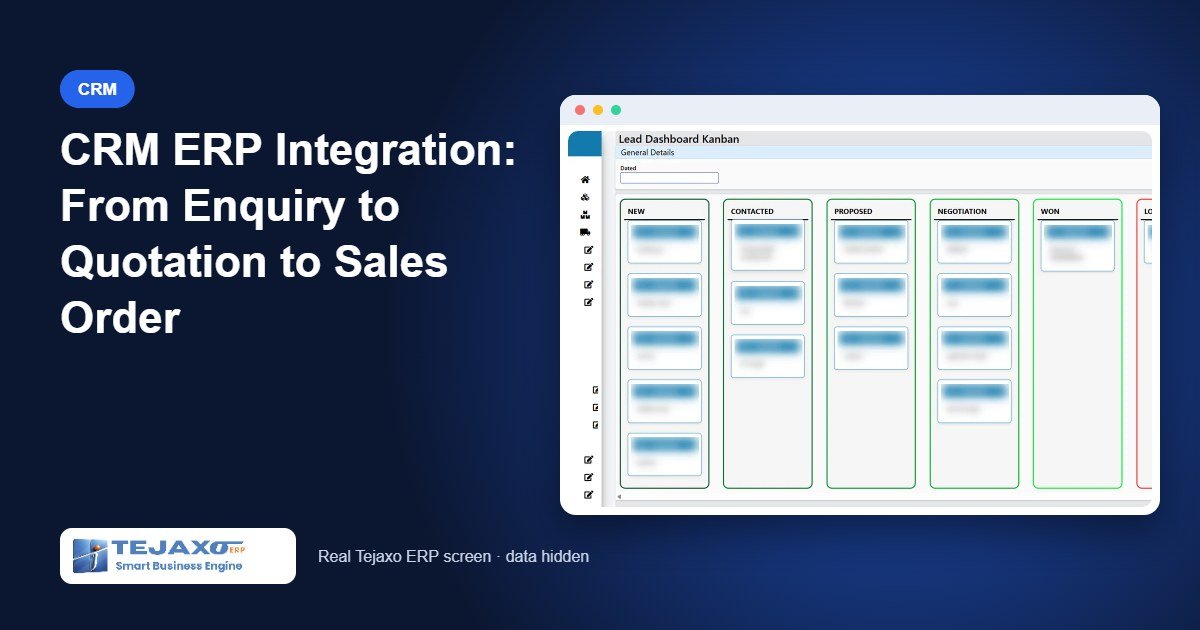
In many manufacturing companies the sales process is split across three places. Enquiries arrive on phone and WhatsApp and are noted in a register or an Excel sheet. Quotations are typed in Word with prices copied from an old price list. Once the customer sends a PO, someone in the office keys the whole thing again into the accounting or ERP system as a sales order. Proper CRM ERP integration removes those breaks, so the enquiry, the quotation and the order are one connected chain.
The cost of the breaks is real: quotations with outdated prices, follow-ups that nobody owns, and orders entered with a different item code from the one quoted. This article walks through how Tejaxo CRM and Tejaxo ERP work together, from the first enquiry to the receipt, with a worked example.
The order-to-cash chain in one system
Tejaxo ERP treats sales as one chain in which each document pulls from the one before it:
- CRM – lead entry, Kanban pipeline and follow-ups.
- Quotation – from ERP price lists, with mail-sent tracking.
- Sales order – with delivery schedules for each line.
- Packing slip – finished-goods batches packed against the order.
- Tax invoice – generated from the packing slip.
- Receipt – bill-wise receipts and ageing.
Because nothing is keyed twice, the item, rate and terms that the customer accepted are the same ones that reach dispatch and accounts.
Step 1: Capture every enquiry
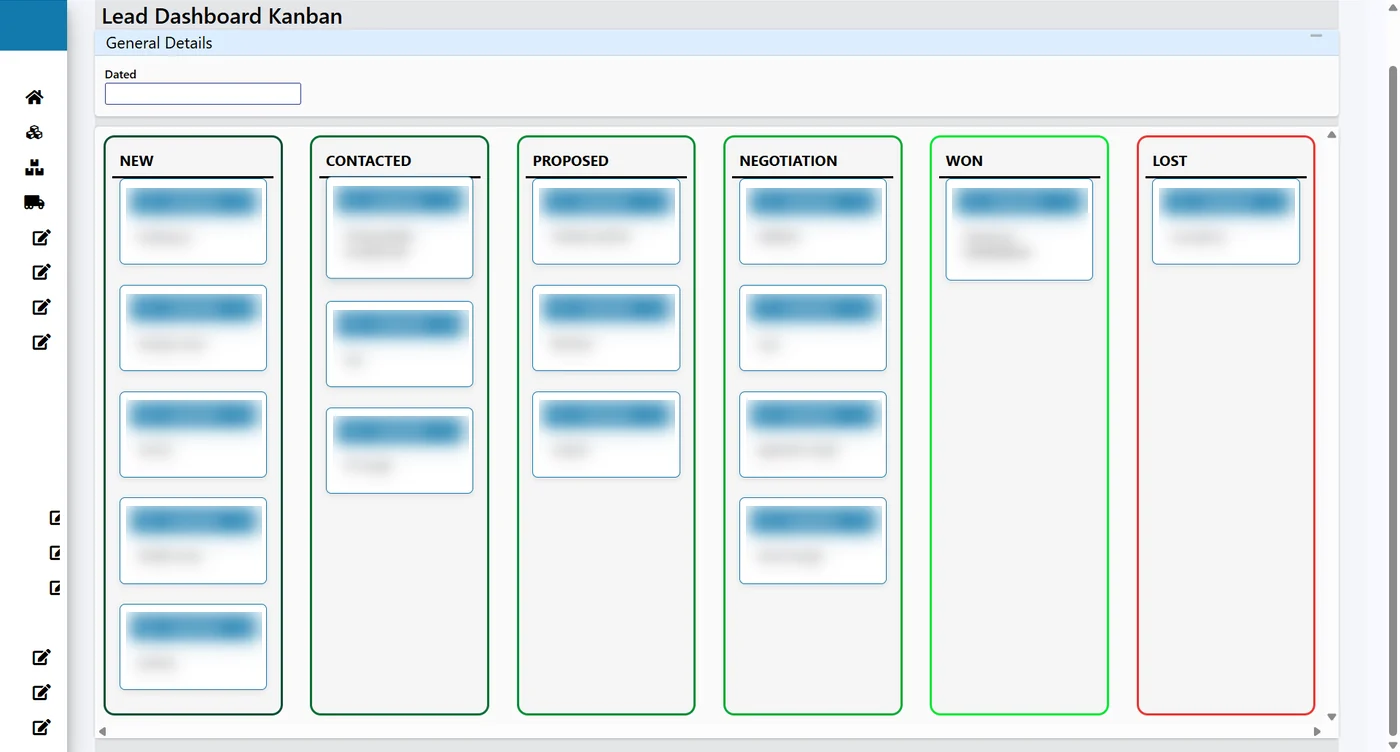
The lead entry screen in the CRM records contact details, lead source, product interest and priority. Data validation and duplicate detection stop the same company from being entered twice by two salespeople. Custom fields can be added for what your business needs, for example drawing number or annual volume. The screen works on mobile, so a salesperson can log an enquiry during a plant visit, and the relevant team members are notified when a new lead is created.
Enquiries from WhatsApp can be handled by a chatbot that you design yourself. The visual flow builder lets you create conversation paths without coding, route chats based on the customer’s answers and connect to CRM and ERP data. Read more on our WhatsApp automated CRM page.
Step 2: Move leads through the pipeline
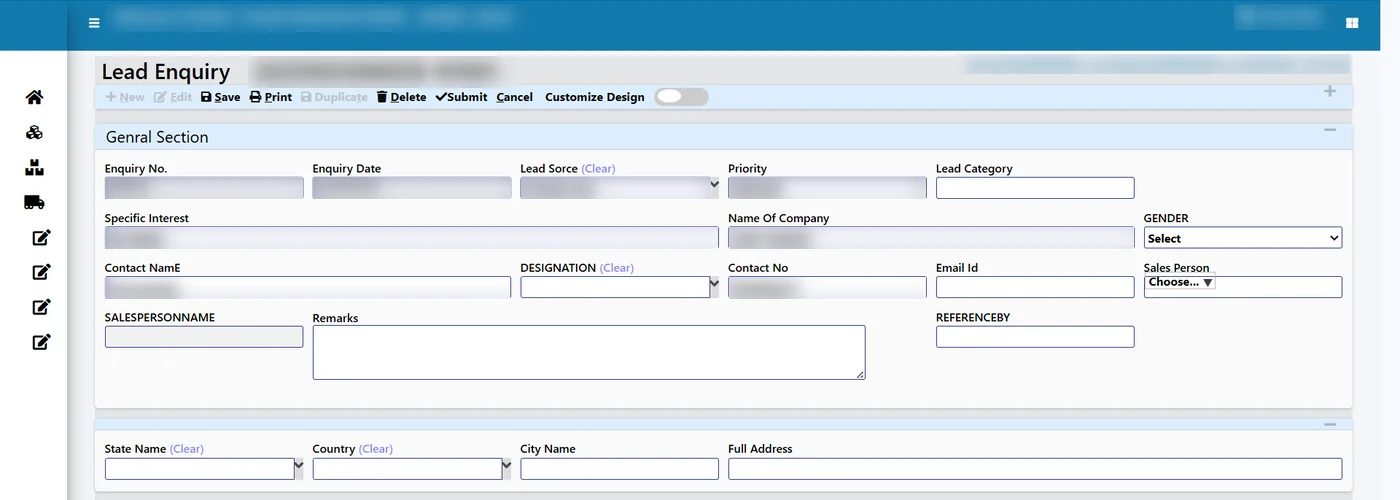
The lead dashboard shows all leads across stages in one view. Managers can filter and segment by source, status, owner or custom criteria, and follow conversion rates and how fast leads move.
Moving a lead to the next stage is a drag and drop. Each stage change triggers the workflows, notifications and task assignments set for that stage, and the system asks for the information required at each stage, so a lead cannot reach “quotation” without the details a quotation needs.
Step 3: Send the quotation from ERP data
When a customer asks for a quotation, the system retrieves the pricing from the ERP, applies the relevant discounts and generates the quotation, which goes to the customer as a branded PDF. This is the step where most errors happen in manual processes, because prices are copied from an old file. Taking them from the ERP price list means the sales team quotes what accounts will later invoice.
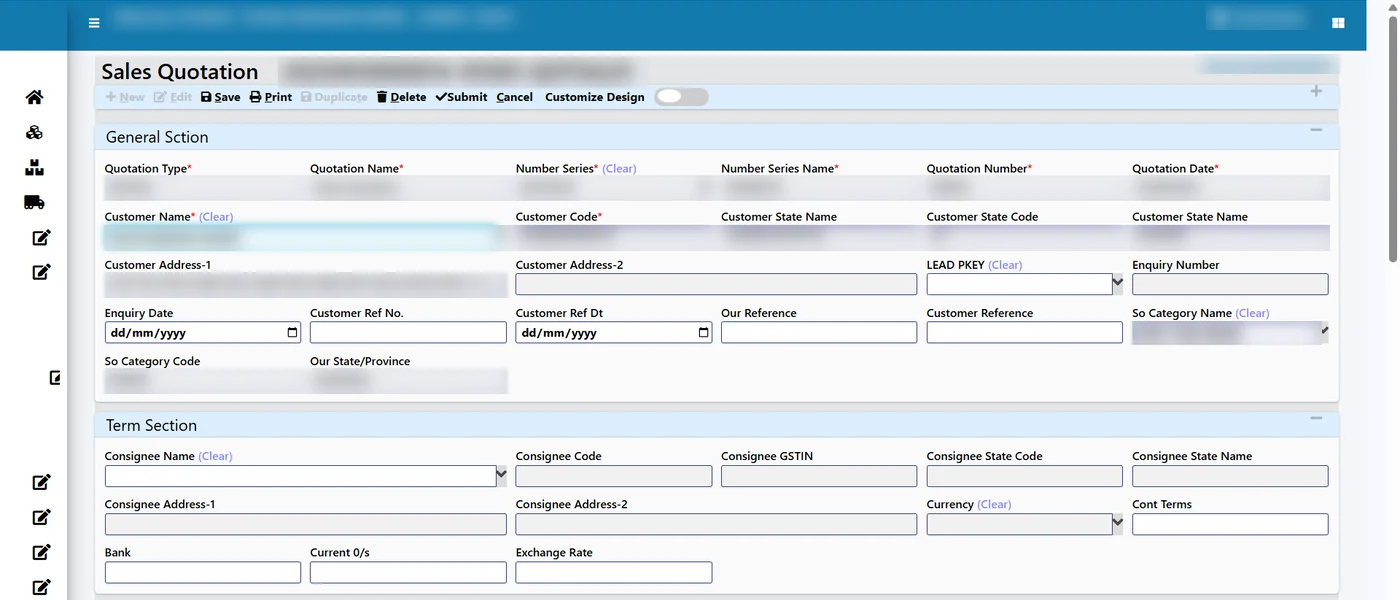
The quotation created in the CRM automatically creates the corresponding sales quotation record in the ERP. There is no second entry, so item codes, rates and terms match exactly. On the ERP side, quotations keep price lists and track whether the mail was sent.
Step 4: Convert to a sales order and dispatch
Once the customer confirms, the quotation becomes a sales order with delivery schedules per line. The order flows into production planning, packing, invoicing and receipts. Sales reports built on the same data include order backlog, day-wise schedule, OTIF, turnaround time to dispatch, order intake, item-wise sales register, B2B and B2C sales, top customers, margin analysis, and returns and net sales. Customers can also follow live order status.
Worked example with sample numbers
Tejaxo Customer sends a WhatsApp enquiry for 500 pieces of Product A. Here is how the chain looks, with sample document numbers:
| Stage | Document | What happens |
|---|---|---|
| Enquiry | LD-0001 | Chatbot captures name, product and quantity; lead created with source WhatsApp, owner assigned |
| Qualified | LD-0001 | Lead dragged to Qualified; follow-up task created for the salesperson |
| Quotation | QT-0001 | Price from ERP price list, discount applied, branded PDF sent; ERP quotation record created |
| Order | SO-0001 | Quotation converted; delivery schedule of 250 + 250 pieces |
| Dispatch | PS-0001, INV-0001 | Packing slip with FG batch, then tax invoice |
| Cash | RCPT-0001 | Receipt against the invoice; ageing updated |
The quotation value is calculated as follows:
| Line | Amount (Rs) |
|---|---|
| Product A, 500 pcs at Rs 250 (price list) | 1,25,000 |
| Less discount 5% | 6,250 |
| Taxable value | 1,18,750 |
| GST 18% | 21,375 |
| Quotation total | 1,40,125 |
The same 500 pieces, rate and discount appear on SO-0001 and INV-0001 because each document is pulled from the previous one, not typed again.
Every customer conversation in one place
A quotation is rarely the first or last conversation with a customer. Tejaxo CRM logs chats automatically against the relevant lead or customer record, building an interaction timeline the whole team can see. The searchable archive helps find an old conversation quickly, and a new salesperson taking over an account gets the full history.
The chat inbox brings customer conversations into one organised place. Chats can be assigned to team members, given a priority, and tracked for response time. Templates and canned replies help the team answer consistently. For more on WhatsApp inside the ERP, see ERP with WhatsApp automation.
Pipeline analytics for sales managers
A pipeline is only useful if managers look at it. The CRM dashboard turns lead data into a few clear views. Stage conversion analytics show which stage loses the most enquiries: if many leads stop between quotation and order, the problem is usually price or follow-up, not lead generation. Team performance comparison benchmarks individual salespeople and groups, which helps when deciding who handles key accounts.
Segmenting by source answers a question every owner asks: which channel brings enquiries that actually convert? If WhatsApp and website enquiries convert well while trade-fair leads rarely do, that is a direct input for next year’s marketing budget. Because quotations and orders sit in the ERP, the same pipeline can be compared with order intake and margin reports in business intelligence dashboards.
What to set up first
The integration works best when a few masters are clean before go-live: customers with correct GST details, items with codes and units, and price lists that sales is allowed to quote from. On the CRM side, decide your lead sources, pipeline stages and the information required at each stage, and name an owner for every lead. These choices take one meeting but decide how useful the dashboard will be later.
Common mistakes this prevents
- Quoting from an outdated price list. Prices come from the ERP, not from a copy on someone’s laptop.
- Order entered differently from the quotation. The ERP record is created from the CRM quotation, so there is no re-typing.
- Leads without an owner. Every lead has an owner and a stage, and stage changes create tasks.
- Duplicate leads. Duplicate detection at entry stops two salespeople chasing the same company.
- Lost context when staff change. Chat history stays on the customer record.
Who it is for
CRM ERP integration matters most for manufacturers that quote often: component makers supplying OEMs, packaging converters, machinery builders and chemical companies with price lists that change. It suits teams where sales, the office and the factory sit in different places and today pass enquiries around on WhatsApp. See the full feature set on the Tejaxo CRM page and the wider Tejaxo ERP.
How Tejaxo implements this
We start with a discovery session with your sales and office teams to map how enquiries arrive, who quotes and how orders are entered. Next comes a pilot on your own masters: your customers, items and price lists, with real enquiries run through the pipeline. At go-live we train the sales team on the pipeline and the order team on the ERP side, and the same Tejaxo team provides support afterwards.
See the chain on your own enquiries
If your quotations are still typed in a separate file and re-keyed as orders, a connected CRM and ERP saves time and errors at every step. Book a free demo or message us on WhatsApp at +91 96717 27474, and we will run an enquiry from your own product list through to a sales order.
Also read: A Service Management App for Calibration and Repair Bookings
Frequently asked questions
What does CRM ERP integration mean for a manufacturer?
It means the enquiry, the quotation and the sales order live in one connected chain. In Tejaxo, a quotation created in the CRM creates the matching record in the ERP, so the sales team and the factory work from the same data and nothing is keyed twice.
Where do quotation prices come from?
From the ERP: price lists and item data already maintained for sales. Relevant discounts are applied, and the quotation goes to the customer as a branded PDF, with mail-sent tracking on the ERP side.
Can leads be tracked by salesperson and source?
Yes. The lead dashboard can be filtered and segmented by source, status, owner or custom criteria, and it shows stage conversion and team performance so managers can see where enquiries get stuck.
Can WhatsApp enquiries come into the CRM?
Yes. Tejaxo CRM includes a WhatsApp chatbot with a visual flow designer that connects to CRM and ERP data, and a shared chat inbox where lead and customer chats are logged against the right record.
What happens after the quotation is accepted?
The quotation becomes the sales order with delivery schedules per line, then the packing slip, tax invoice and receipt. Each document pulls from the one before it.
Is Tejaxo CRM a separate product?
Tejaxo CRM is offered with WhatsApp chatbot and automatic quotations from ERP data, and it is designed to work with Tejaxo ERP so that CRM quotations create ERP records.