
Your stores team counts forged parts in pieces. Your plating vendor weighs the same parts and sends a bill per kilogram. Your accountant receives a bill for 51.2 kg when the challan said 200 pieces, and has no easy way to check it. This mismatch of units is one of the most common reasons job work bills are paid without verification. Getting job work billing in kg right, while stock stays in pieces, is a small detail that saves real money over a year.
This article explains why the units differ, how Tejaxo ERP carries two quantities on the same line, what happens when plating or coating adds weight, and how the knock-off stays correct.
Why the units differ in the first place
Each side of a job work deal counts in the unit that makes sense for its own work:
- Your plant plans, stores and dispatches in pieces, because customers order pieces and BOMs consume pieces.
- A plating or coating vendor loads parts in barrels or racks by weight, so the cost of the process follows kilograms.
- A welder or assembler may charge per piece, because the labour is per joint or per assembly.
- A cutting vendor may charge per kg of output, while the coil you sent is also in kg and the sheets you receive are in pieces.
An ERP that allows only one unit per line forces someone to convert by hand – and hand conversion is where errors and overbilling hide.
Two quantities on one line: bill quantity and stock quantity
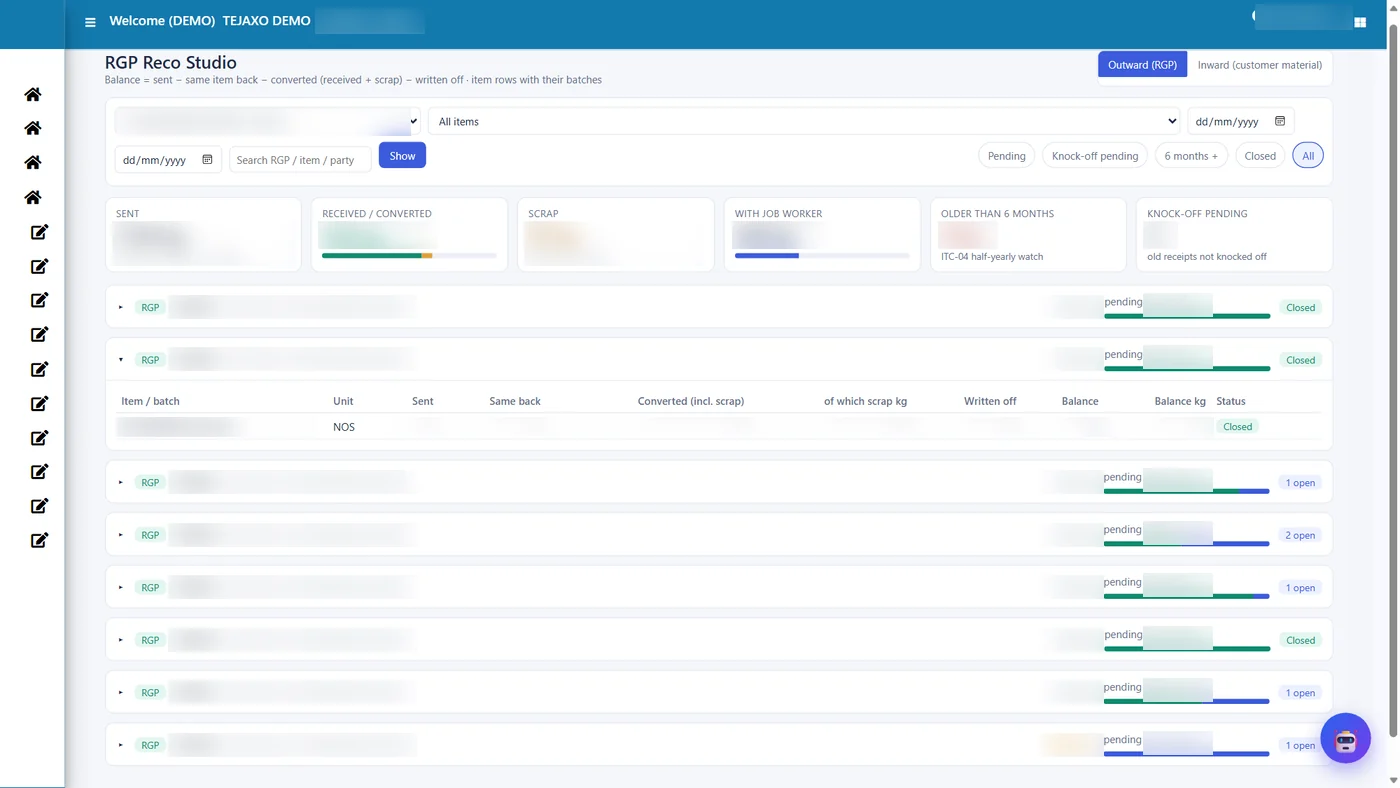
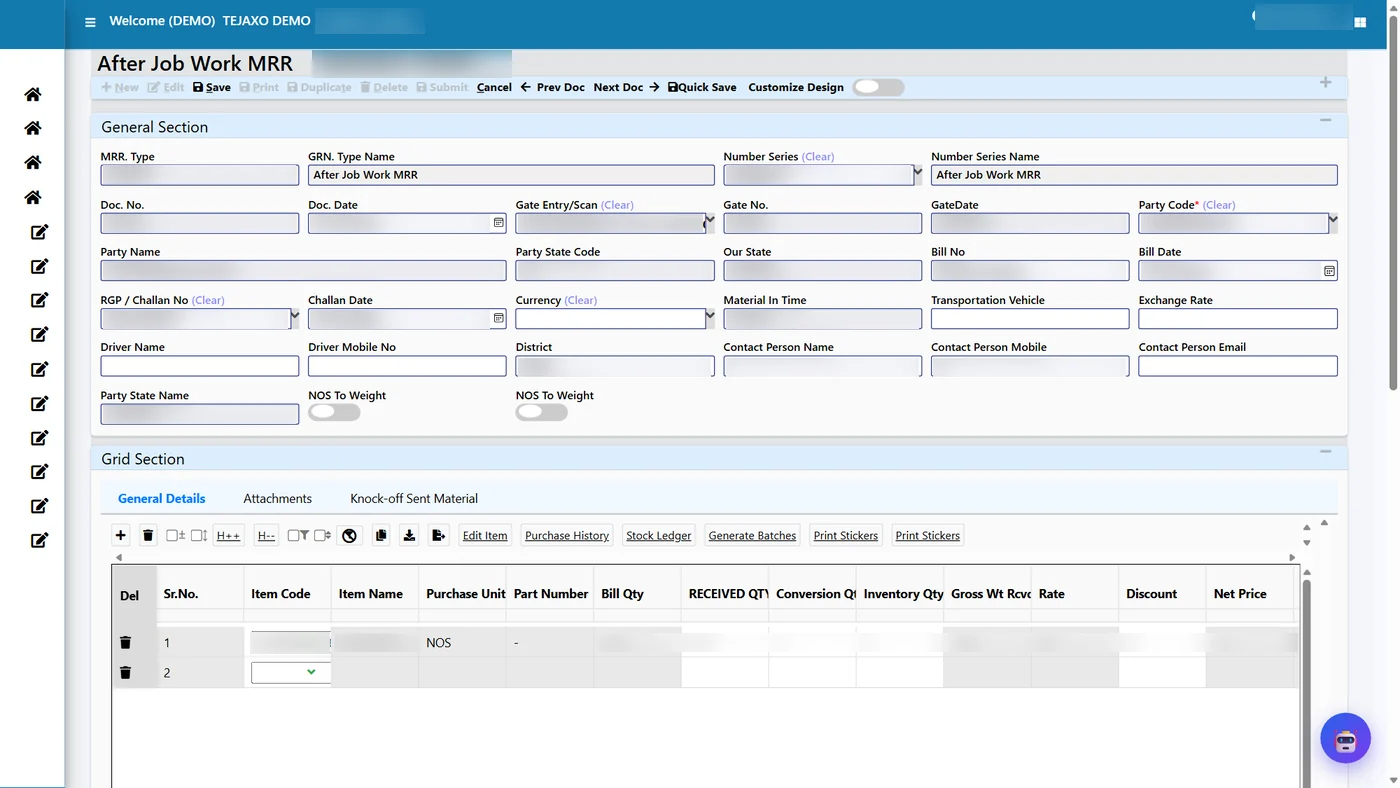
In Tejaxo ERP the rule is simple: the bill quantity is in the rate unit of the job work order, and the stock quantity is in the item’s own unit. Both appear on every gate and MRR line of the RGP module.
Where the units come from
- Item master: the stock unit (NOS or KGS), and for piece items the gross weight and scrap weight per piece.
- Job Work Order line: the rate unit (KGS or NOS) and the rate for that operation, with SAC and GST.
When the rate unit and the stock unit differ, the gate line shows “Conversion Required: Y” and a conversion rate, worked out from the item weight or from the weight typed at the gate. When the job worker’s bill shows a weighed figure, that weight is typed on the gate line and becomes the bill quantity. The stock quantity stays as the number of pieces received.
Worked example: forged pins sent for plating
Tejaxo Manufacturing sends 200 forged pins (Product A, 0.25 kg each) to Tejaxo Vendor for plating on RGP-0061. The job work order rate is ₹14 per kg. The vendor weighs the plated pins at 51.2 kg and bills on that weight.
| Line item | Pieces | Kg | Used for | Value |
|---|---|---|---|---|
| Sent on RGP-0061 | 200 | 50.0 | Material with the vendor | Expected charge 50 × ₹14 = ₹700 |
| Received – bill quantity | – | 51.2 | Job work charge | 51.2 × ₹14 = ₹716.80 |
| Received – stock quantity | 200 | – | Inventory | 200 nos to stock |
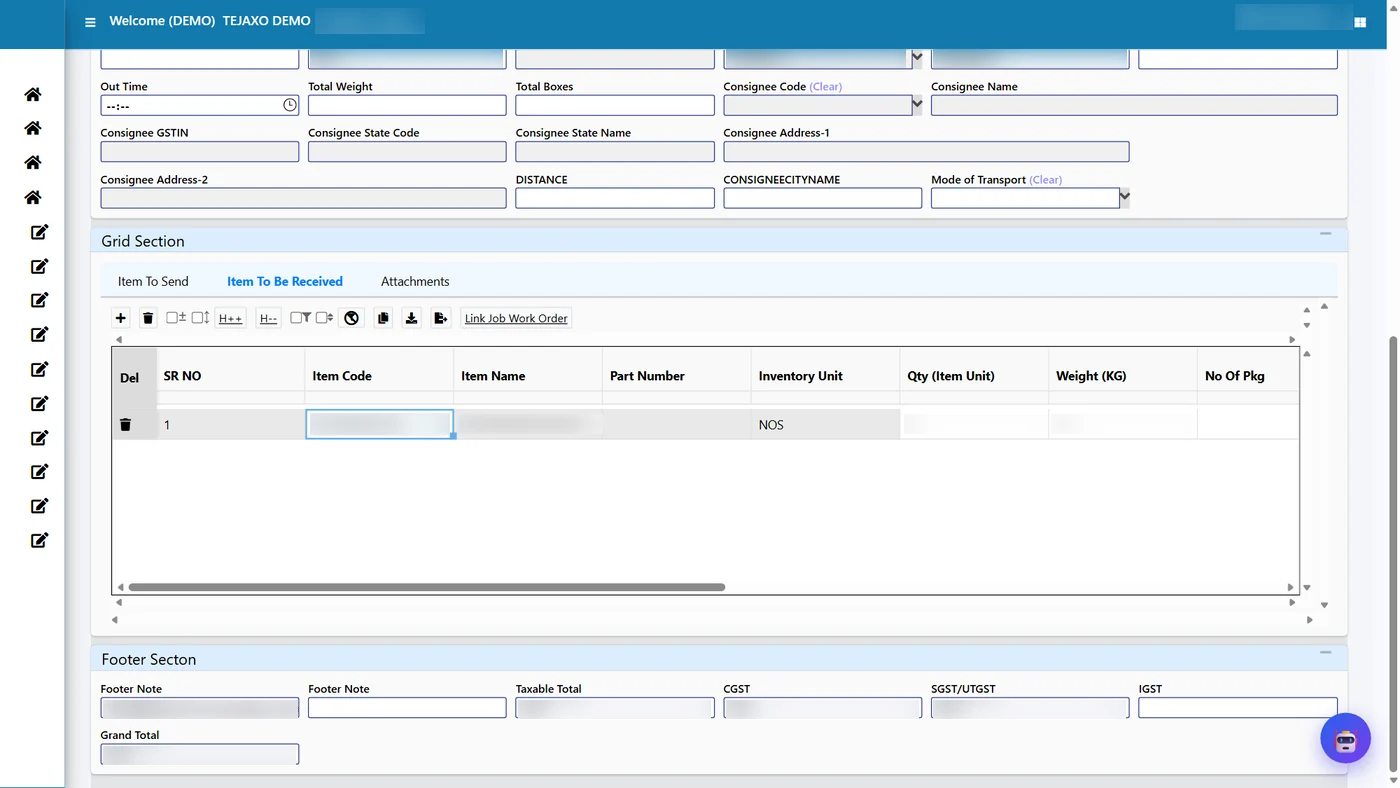
| Knock-off (link SAME) | 200 | 50.0 | Reduces the RGP | RGP balance 0 – closed |
| Plating weight gain | – | 1.2 | Billed, not knocked off | Part of the ₹716.80 |
The difference between the expected charge (₹700) and the billed charge (₹716.80) is visible on the RGP, so the purchase team can accept it as normal coating gain or question it if the gain looks too high for the process.
The weight gain rule: billed, not consumed
Plating, coating and painting add metal or paint to the part. That added weight belongs to the job worker’s service, not to the material you sent. Tejaxo ERP therefore:
- uses the received weight for billing, because that is what the vendor processed and charged for, and
- uses the sent weight per piece for the knock-off, because that is the material that left your stock.
If the knock-off used the received weight, 51.2 kg could never be knocked off against 50 kg sent, and the RGP would either block or show a false negative balance. Keeping the two weights apart avoids both problems.
Other unit combinations the module handles
| Job | Sent as | Received as | Rate unit | Bill quantity | Knock-off basis |
|---|---|---|---|---|---|
| Plating or painting | Pieces | Same pieces | Kg | Weighed kg on the party bill | Pieces at sent weight |
| Cutting coil to sheets | Coil (kg) | Sheets (pieces) | Kg | Sheets × sheet weight | Sheet weight + scrap weight per sheet |
| Welding | Parts (pieces) | Assemblies (pieces) | Pieces | Pieces received | BOM, weight pool or line link |
| Second operation on the same part | – | Charge item | Kg or pieces | As per the JWO line | None – a charge line only bills |
For the cutting case, take a sheet with a gross weight of 25 kg and a scrap weight of 5 kg. Ten sheets are billed as 250 kg at the cutting rate, while 300 kg is knocked off the coil – 250 kg in sheets and 50 kg as scrap. The item master weights make this automatic.
The welding case is the simplest: both the rate unit and the stock unit are pieces, so the bill quantity equals the number of assemblies received and no conversion is needed. The point is that the same vendor can be on all of these rules at once, because the rate unit is chosen per job work order line, not per vendor. A finisher can bill plating per kg and an assembly operation per piece on one order, and every receipt still lands in stock in the correct unit.
Mistakes that mixed units cause, and the controls in the ERP
- Paying for weight that was never processed. The bill quantity is typed from the party’s weighed bill and compared with the expected charge from the RGP.
- Stock in kg for a piece item. Inventory always receives the stock quantity in the item’s unit, so piece items never turn into fractional kg balances.
- Rates typed fresh on every bill. The rate, SAC and GST come from the job work order line.
- Receiving more pieces than are pending. The gate refuses a quantity above what is pending on the RGP line.
- Wrong item weights. Because conversion depends on the gross and scrap weight in the item master, these are checked and agreed during implementation.
Reports that use both quantities
Job work charges by vendor and process are reported on the billed quantity and value, while RGP pendency, aging and the in-out register work on pieces and sent weight. Job Work Order Usage shows how many kg or pieces have been billed against each JWO line. ITC-04 Table 4 and Table 5A take quantities from the same linked entries – see ITC-04 filing from ERP.
Who this is for
Mixed-unit billing matters most for forging shops that send forgings out for plating, coating or other finishing – see ERP for the forging industry – and for fastener, bracket and pressed-part makers in auto supply chains. Plants that are still checking vendor bills against handwritten weights will find the change immediate. The module is part of Tejaxo ERP and shares stock and GST data with purchase and accounts; plants in the Faridabad and Ballabhgarh belt can also read our manufacturing ERP in Faridabad page.
How Tejaxo implements this
Mixed units are only as accurate as the item weights, so discovery starts with your items that go out for job work, their gross and scrap weights, and how each vendor bills. In the pilot we enter real gate receipts from your vendors’ weighed bills and check the charges with your accounts team. After go-live, the gate and stores users are trained on the two-quantity line, and our support team helps when new items or vendors are added.
If your job work bills arrive in kg and your stock is in pieces, book a free demo at marketing.tejaxo.com/consult or WhatsApp +91 96717 27474, and we will walk through a sample plating receipt with you.
Frequently asked questions
How do you bill job work in kg when stock is kept in pieces?
Each gate and MRR line carries a bill quantity in the job work order rate unit (kg) and a stock quantity in the item unit (pieces). The charge is calculated on kg, and inventory receives pieces.
Where does the kg value come from at the gate?
The weight from the job worker’s weighed bill is typed on the gate line and becomes the bill quantity; otherwise the conversion uses the item’s gross weight per piece.
Is plating weight gain knocked off from my stock?
No. The weight gain is billed as part of the job work charge, but the knock-off uses the weight sent per piece.
What item master data is needed for unit conversion?
The stock unit and, for piece items, the gross weight and scrap weight per piece. The scrap weight is used when coil is cut into sheets.
Can one vendor bill some operations per kg and others per piece?
Yes. Each job work order line has its own rate unit, so plating can be per kg and welding per piece for the same vendor.