
In a rubber-moulding plant, the most expensive mistakes rarely happen in the office. They happen at the press: the wrong compound loaded for a part, an expired batch used because it was nearest to hand, or a lot that failed inspection moulded anyway. When a customer later reports a problem, nobody can say with confidence which compound batch, which machine and which shift produced the complaint parts. This is exactly where QR code traceability in manufacturing earns its place.
This article describes, without naming the client, how Tejaxo built a QR-based traceability system for a rubber-moulding (vulcanisation) plant. The goal was simple: every compound batch, every machine and every finished part gets a QR code, and nothing moves on the shop floor without a scan that the system checks.
The problem: paper tags and memory
Before the project, the plant ran on printed worksheets, mixing cards and running tags. Each document carried useful information, but the link between them lived in people’s memory. A worksheet named the part to be vulcanised; a mixing card named the rubber compound; the operator was expected to make sure the two matched. The plant asked for three things:
- A mobile application to scan the codes on the part documents and the compound, and record each check as OK or NG (not good).
- A web portal with user rights and a dashboard of scanned parts.
- An email notification whenever a scan came out NG, so that a supervisor knows immediately rather than at the end of the shift.
It also had to work on every device on the floor: desktop, tablet and mobile.
The documents that get scanned
The first design step was to agree what each code contains. Five identifications are scanned in the flow, and each has a clear job:
| Scanned document | QR content | What the system does with it |
|---|---|---|
| Employee ID card | Employee number | Logs the user in and translates the number to the employee name |
| Vulcanisation worksheet | Part number | Looks up the rubber compound that the part requires |
| Mixing ID card | Compound code | Compared with the compound the part requires |
| Running tag | Part number with a running suffix | Identifies the lot being moulded |
| Machine | Machine number | Records which press or injection machine was used |
The important row is the second one. The worksheet does not just carry a part number; the system translates it into the compound that part must use. When the compound card is scanned next, the application compares the two and either fills in the data or shows an error dialog. A mismatch cannot be overlooked, because the scan itself refuses it.
How the QR flow works, step by step
What started as a scan-and-match requirement grew into a complete QR-based system from the first step to the last. The mobile app has seven menus, each mapped to a real movement on the floor.
1. Material inward from mixing
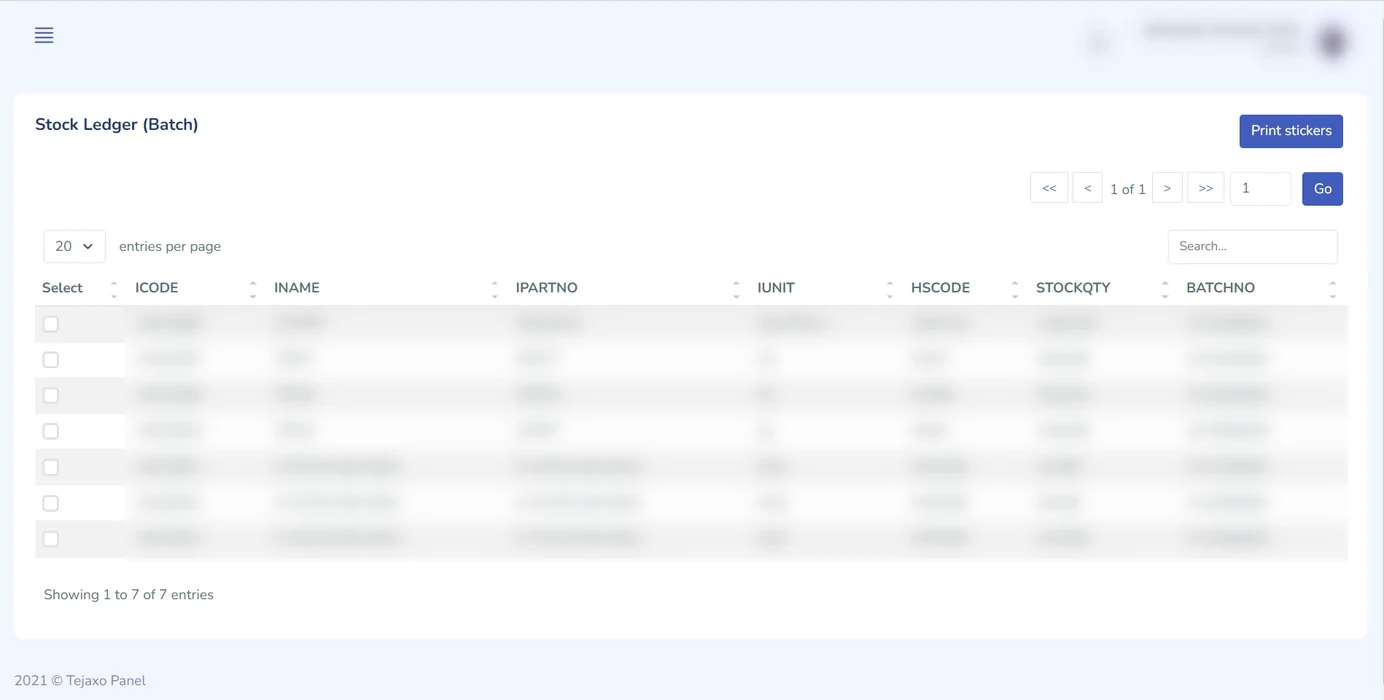
When compound arrives from the mixing section, stores scans it in. Stock is recorded batch-wise, with dates, so that the ledger always shows which batches are oldest. This batch-wise stock is the basis for FIFO compound issue.
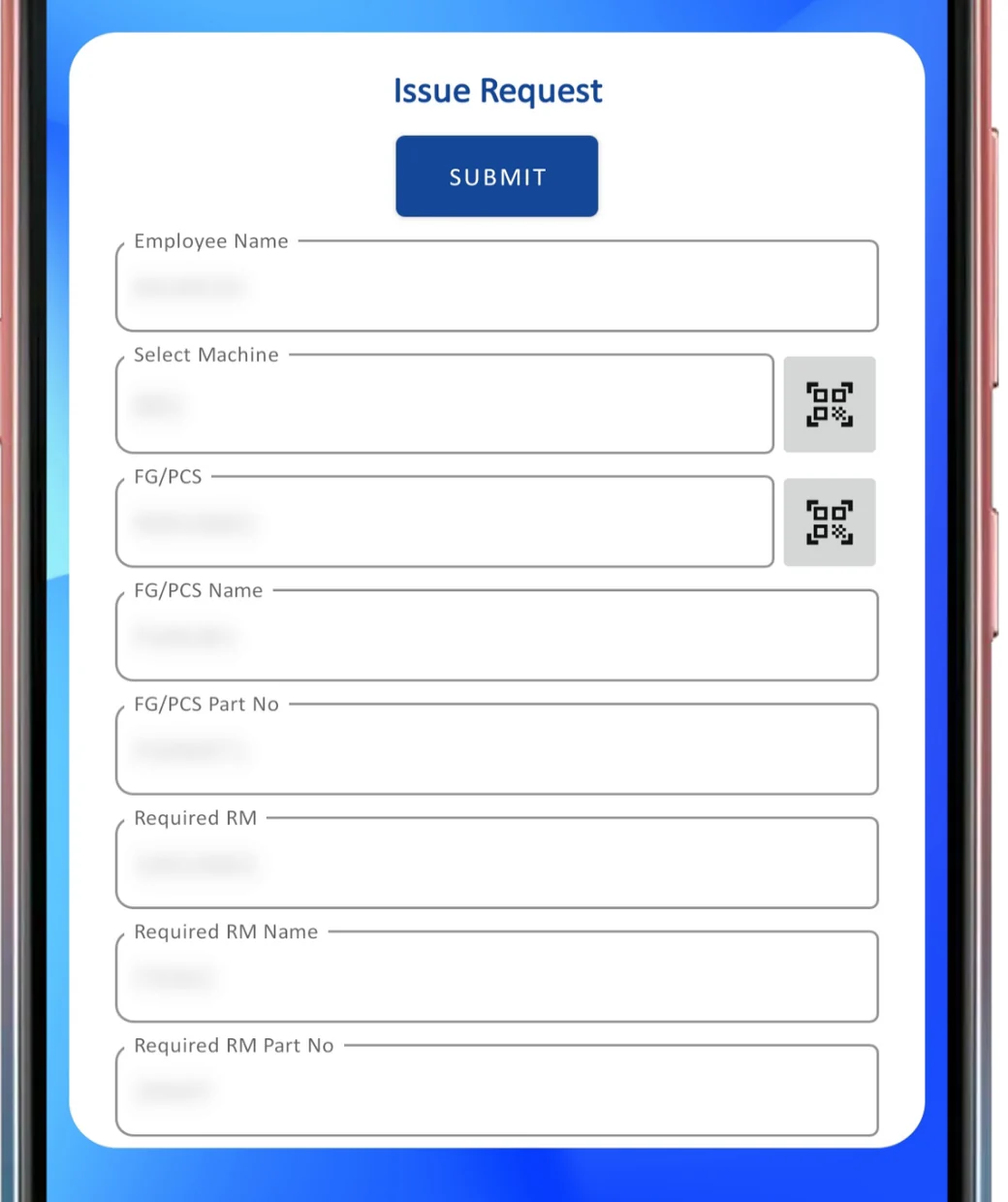
2. Issue request
The moulding side raises an issue request by scanning the compound and the machine QR code. The request therefore states exactly which compound is needed on which machine.
3. Issue to vulcanisation
Stores issues compound against the request by scanning the batch QR code. The app checks that the required material and the scanned material match before it saves the issue.
4. Inspection approval
Quality inspects the selected issue by scanning the machine, the finished-part and the compound batch QR codes. The batch is marked Accepted or Rejected, with remarks.
5. Machine verification
At moulding time, the same issue is verified again at the machine by scanning the machine, part and compound batch. This second check catches material that was moved to the wrong press after issue.
6. Return
Excess compound can be returned to rubber stock by scan, so stock stays correct and the returned batch remains traceable.
7. Re-validate
Expired compound can be re-validated by entering a new expiry date, after which it can be used again. The re-validation is a recorded action, not a silent edit of the label.
The web portal behind the app
The mobile app handles movements; the web portal handles set-up, labels and reporting. With login and user rights, the portal provides:
- Finished part and compound masters, including a link from each finished part to its raw material or compound, similar to a bill of materials.
- QR label printing for compound / raw material slips, finished-part slips and batch cards, so the labels on the floor always come from the system.
- User management, so each operator, store keeper and inspector has only the menus they need.
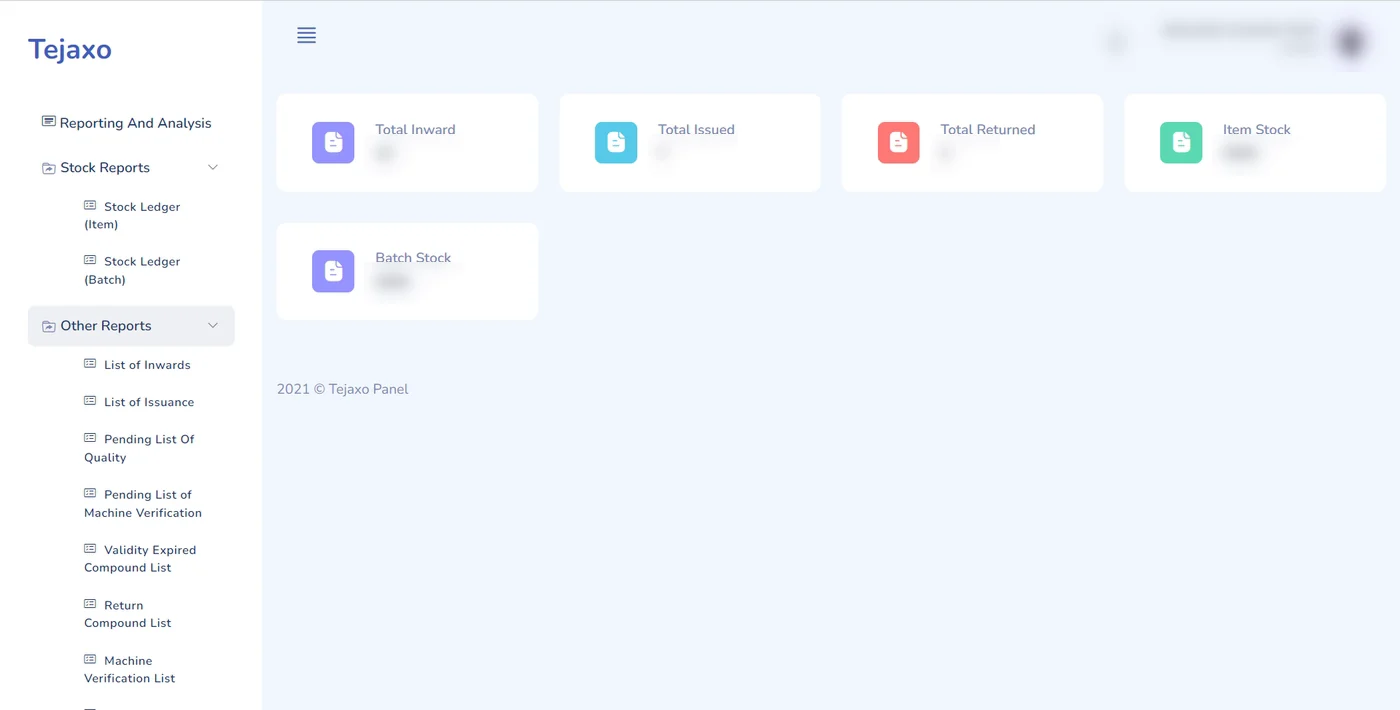
- A batch-wise stock ledger and a dashboard of KPIs.
- Thirteen reports covering every scanned action, from inward to return and re-validation.
Users can log in on the app by scanning their ID card QR code or with manual credentials, which keeps login quick on a busy floor while still recording who did each scan.
Worked example: tracing one complaint
Suppose a customer reports a defect on a lot of Product A seals. With the QR records in place, the quality head can answer the key questions from the reports instead of from memory. The figures below are sample data.
| Step | Record found | Sample detail |
|---|---|---|
| Running tag | Lot of Product A seal | RUN/PA-001, 1,200 pcs |
| Machine verification | Machine used | MC-INJ-01, shift B |
| Issue | Compound batch issued | CMP-A12 / B-0007, 48 kg |
| Inspection | QA decision on that issue | Accepted, remark: hardness checked |
| Inward | Batch received from mixing | B-0007, 120 kg |
| Other issues of B-0007 | Parts that share the batch | MC-INJ-03, 72 kg |
The last row matters most. Once the batch is known, the plant can see every other machine and lot that used the same compound and decide whether to hold or inspect them. That is the difference between traceability backward (from part to batch) and forward (from batch to every part).
Common mistakes the system prevents
- Wrong compound for the part: the required compound comes from the part master, and a mismatched scan shows an error.
- Older batches left behind: batch-wise inward and stock make FIFO compound issue the normal way of working.
- Expired material used quietly: expiry is tracked per batch and extension needs a recorded re-validation.
- Material at the wrong press: machine verification re-checks the issue at moulding time.
- NG found late: NG results are recorded at the moment of scanning, and the requirement included an email alert to supervisors.
- Handwritten labels: all QR slips and batch cards are printed from the portal.
Who this approach suits
The same pattern fits any plant where a material batch must be matched to a machine and a part: rubber and polymer moulding, auto-component suppliers with strict customer traceability demands, and process plants with shelf-life materials. Many such units sit in the auto-component clusters of NCR, from Dharuhera and Bawal to IMT Manesar. If you supply the automobile industry, a scan-based record of compound, machine and lot is often the first thing an auditor asks for.
Inside Tejaxo ERP, batch numbers are carried through every step from purchase to invoice, and batch-wise stock with FIFO issue is part of inventory management. A dedicated QR app like this one extends that traceability onto the shop floor, where most errors begin.
How Tejaxo implements this
Every project starts with a discovery workshop on your floor to list the documents, labels and checks you already use. We then run a pilot on your own masters, parts and compounds, so the scan flow is tested on real labels before anyone depends on it. Go-live includes training for stores, moulding and quality staff, and support afterwards comes from the same team that built the system. See how we approach ERP implementation for more detail.
Next step
If your plant still matches compound to part by eye, a QR flow is one of the most practical improvements you can make. Book a free demo and we will walk through the scan flow on your own parts, or message us on WhatsApp at +91 96717 27474.
Frequently asked questions
What is QR code traceability in manufacturing?
It means every batch of raw material, every machine and every finished part carries a QR code, and each movement is recorded by scanning. You can then trace a finished part back to the material batch and machine it came from, and forward from a batch to every part made with it.
Why is compound traceability important in rubber moulding?
Rubber compound has a limited shelf life and each part needs a specific compound. Scanning the compound batch against the part and machine before moulding stops the wrong or expired compound from reaching the press, and gives a clear record if a customer raises a complaint.
Can the QR app work on the shop floor without a desktop?
Yes. The application in this case runs on mobile phones, tablets and desktops. Operators and stores staff scan with a phone or handheld device, while supervisors use the web portal for masters, labels and reports.
How is FIFO enforced for compound batches?
Compound is received batch-wise when it comes from mixing, and stock is held batch-wise in the ledger. Issues are made against a request by scanning the batch QR code, so the stores team works from batch-wise stock instead of picking whichever lot is nearest.
What happens to expired compound?
Expired compound is not used silently. An authorised user can re-validate it by entering a new expiry date after it has been checked, and the action is recorded, so there is always a trail of who extended which batch.
Can Tejaxo build a similar QR app for our plant?
Yes. Tejaxo builds QR traceability and shop-floor apps as part of Tejaxo ERP or as add-ons around an existing ERP. The first step is a discovery workshop to map your documents, labels and checks.