
Most Indian manufacturers start on Tally, and for good reason: it is a dependable accounting and GST system that every accountant knows. The question is not whether Tally is good. It is whether a growing factory can still be run from an accounting system plus spreadsheets, registers and phone calls. This guide lists the signs that a manufacturer has outgrown Tally alone, the two ways to move to an ERP, and how to make the move without disturbing your books.
Short answer: A manufacturer should move from Tally to an ERP when production planning, material shortages, job work, batch traceability, quality or order costing are being managed in spreadsheets and registers outside Tally. The safest Tally to ERP migration is to clean the masters, load opening stock and balances on a clean cut-over date, and run one pilot month in parallel with Tally. Many manufacturers keep Tally for accounts and run the plant in the ERP, with masters, vouchers and GST data kept in sync.
What Tally does well – and where a factory needs more
Tally handles vouchers, ledgers, GST returns, invoicing and basic stock very well. A factory, however, runs on information that sits before the accounting entry: what to make this week, which material is short, which machine is free, what is lying with a job worker, which batch failed inspection and what an order really cost. When that information lives in Excel sheets and registers, accounts are correct but the business is managed by memory.
Tally (accounting) vs a manufacturing ERP
The two are designed for different jobs. The table compares what each is built to do in a factory; it is not a ranking.
| Area | Tally (accounting system) | Manufacturing ERP |
|---|---|---|
| Main purpose | Accounting, GST compliance, invoicing and stock records | Running sales, purchase, stores, production, quality and finance in one database |
| Accounts and GST | Core strength: vouchers, ledgers, GST returns | Finance and GST inside the ERP, or Tally kept for accounts with data in sync |
| Production planning | Not a core function; usually planned in spreadsheets | Master schedule, job cards and machine-wise scheduling |
| BOM and MRP | Bill of materials for stock entries | Multi-level BOM exploded against open orders; MRP raises requisitions only for shortfalls |
| Batch and stock | Batch-wise and location-wise stock | Batch or lot carried from receipt through production to invoice, traceable both ways |
| Quality | Not a core function | Incoming and in-process inspection with a reason for every rejection |
| Job work and ITC-04 | Records material sent and received | Returnable gate passes, pending quantity and ageing by job worker, ITC-04 from the same records |
| Multiple plants | Separate companies or locations, consolidated by hand | Plant-wise numbering, stock and books with consolidated reports |
| Approvals | Not a core function | Purchase orders and payments approved in the system or on WhatsApp, with an audit trail |
| Order costing | Cost centres and cost categories | Work-order cost: material, machine time, labour and overhead against the invoice value |

Nine signs you have outgrown Tally alone
- Production is planned in Excel. Every schedule change means re-working a sheet, and the shop floor works from an old printout.
- Shortages are found at the machine. Raw material requirements are not calculated from the BOM of every open order.
- BOMs have several levels. Assemblies, sub-assemblies and machined parts are multiplied by hand.
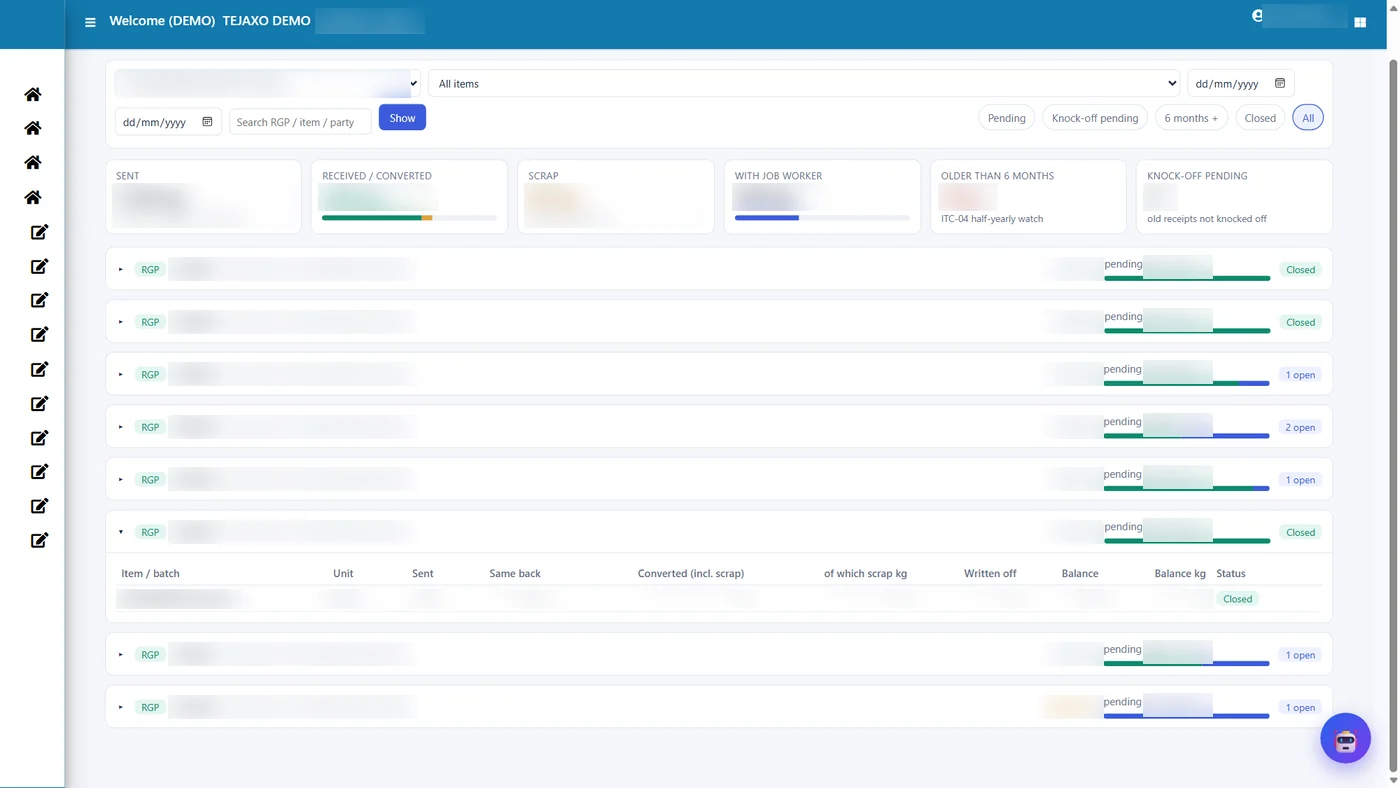
- Material sits with job workers. Nobody can say quickly what is pending with each vendor and for how long, and ITC-04 takes days.
- Batch or heat numbers matter. A customer complaint cannot be traced back to the material lot.
- Quality is recorded on paper. Rejections and their reasons are counted at month-end.
- You do not know the real cost of an order. Profit is estimated from the selling price, not from material, machine time and labour.
- You run more than one plant. Group MIS is assembled by hand every month. See multi plant ERP with one-screen MIS.
- Approvals wait for the owner’s desk. Purchase orders and payments queue up until someone logs in.
If three or more of these are true, an ERP will usually pay back in control rather than in accounting.
Two ways to move: replace, or keep Tally and add an ERP
Option 1 – one system for everything. A manufacturing ERP such as Tejaxo ERP covers sales, purchase, inventory, production planning, quality, job work and finance in one database, so there is no second set of books to reconcile.
Option 2 – keep Tally for accounts, run the plant in the ERP. Many owners and accountants prefer to keep Tally. In that case the ERP runs operations and keeps masters, vouchers and GST data in two-way sync with Tally, so the accounts team keeps its familiar tool while production, stores and quality move to the ERP. Tejaxo supports this way of working, and you can move fully later if you wish.
Both are valid. The deciding questions are who will maintain the books, how much double entry you can accept today, and whether your auditor and accountant are comfortable with the change.
What the ERP adds on top of accounting
- Production planning and MRP: master production schedule, MRP requisitions for shortfalls and job cards scheduled on each machine’s hours – see production planning and MRP.
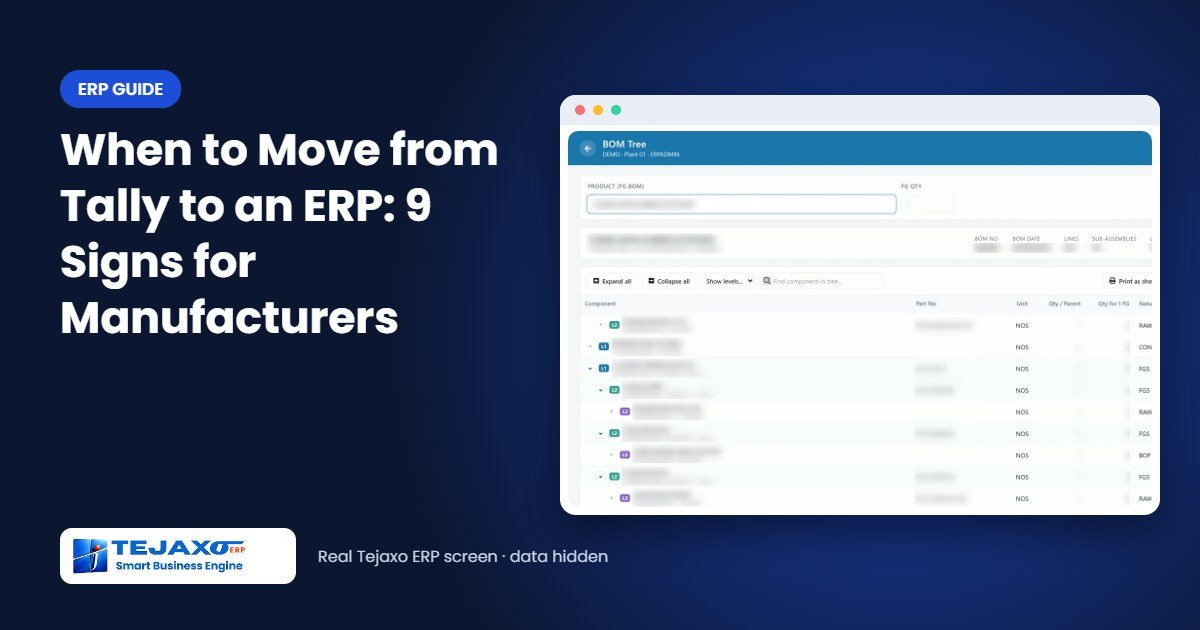
- Multi-level BOM: every product as an expandable tree, scaled to the order quantity – see BOM software.
- Job work: returnable gate passes, pending quantity, ageing and ITC-04 from the same records – see job work software.
- Batch and lot traceability: batch numbers carried from receipt to invoice, forward and backward.
- Quality: incoming and in-process inspection with a reason for every rejection, PPM and defect Pareto.
- Work-order costing: material at the rate of the batch issued, machine and labour time and overhead, against the invoice value.
- Approvals on WhatsApp: purchase orders and payments released from the phone, with a full audit trail.
Worked example: one order, before and after
Tejaxo Manufacturing receives an order from Tejaxo Customer for 500 units of Product A, which needs a machined shaft, a bought-out bearing and a painted housing (sample numbers).
Before – Tally plus spreadsheets. The sales order is typed in Excel. The planner opens three BOM sheets and multiplies by hand, misses that 120 housings are still at the painter, and raises a purchase request for bar stock on WhatsApp. The shortage of bearings is found when assembly starts. The invoice goes out from Tally, and the order’s real cost is never worked out.
After – ERP with Tally in sync. The sales order is entered once. MRP explodes the multi-level BOM for 500 units, shows the 120 housings pending with the painter on their returnable gate pass, and raises requisitions only for the real shortfall – the bearings and the bar stock. The purchase order is approved on WhatsApp. Production is booked against job cards, rejections are recorded with reasons, and the invoice and GST data flow to Tally. When the order is closed, the work-order report shows material, machine and labour cost against the invoice value.
The accounting entry is the same in both cases. What changes is everything that happens before it.
Tally to ERP migration: step by step
Most migration problems come from data, not software. These steps keep your books intact while operations move to the ERP. For the detailed checks, see our guide to ERP data migration: masters, opening stock and balances.
- Decide the model first. Either move everything to the ERP, or keep Tally for accounts and run operations in the ERP with masters, vouchers and GST data in two-way sync. This decides which balances are loaded where.
- Pick a clean cut-over date. The start of a financial year or quarter is cleanest; the start of a month works if the old month is closed and the trial balance is final.
- Export and clean the masters. Items, BOMs, customers, suppliers and ledgers are exported from Tally and the spreadsheets, duplicates are merged (the same GSTIN on two party records is the usual sign), units and tax rates are corrected, and the result is loaded with master-upload tools. Freeze new master creation in Tally during this period.
- Load opening balances. The closing trial balance becomes the opening and must balance to the rupee. Customer and supplier balances go in bill by bill, not as one total, so ageing works from day one. Control totals must match the trial balance.
- Load opening stock from a physical count by item, batch and location close to the cut-over date, and settle any difference with book stock in the old books before cut-over.
- Bring in open documents. Pending sales orders and purchase orders with their open quantities, and material lying with job workers against the original challans, so returns can be received properly.
- Run a parallel pilot month on your own data, with Tally alongside, until stock, debtors, creditors and the trial balance match.
- Train each team on its own screens, then retire the spreadsheets and registers one by one. Old vouchers and invoices usually stay in Tally for reference rather than being migrated.
For a direct comparison, read Tejaxo vs Tally Prime for manufacturing.
Questions to ask any ERP vendor
- Can you run the second demo on our own items, BOMs and customers?
- Can we keep Tally for accounts during the move, and how is the data kept in step?
- How do you handle material lying with our job workers on the day we switch?
- Who supports us after go-live, and is it the same team that implemented the system?
- Which reports will our owner see every morning, and can they be changed without coding?
Common mistakes
- Buying on the demo alone. Ask for a second demo on your own items, BOMs and customers.
- Migrating dirty masters. Duplicate items and parties carry every old problem into the new system.
- Changing accounts and operations on the same day without a parallel or sync period.
- Leaving job work and quality out of scope. They are usually where the money leaks.
Next step
Share how you work today – your products, BOMs, job workers and reports – and we will show your own process in Tejaxo ERP, with or without Tally alongside. Book a free consultation, read our ERP implementation stories, try the interactive demo or read our ERP guide for small manufacturers.
Before you shortlist vendors, see what ERP software for the manufacturing industry should cover: production planning, inventory, job work with ITC-04, costing, GST and accounts.
Frequently asked questions
When should a manufacturer move from Tally to an ERP?
When production planning, material shortages, job work, batch traceability, quality or order costing are run in spreadsheets and registers outside Tally. Three or more of these signs usually mean an ERP will pay back in control.
What is the best way to move from Tally to an ERP?
Decide whether Tally stays for accounts, choose a clean cut-over date, clean and upload the masters, load opening balances bill by bill and opening stock from a physical count, bring in open orders and job work, and run one pilot month in parallel with Tally before going live.
Can we keep using Tally for accounts?
Yes. The ERP can run operations and keep masters, vouchers and GST data in two-way sync with Tally, so the accounts team keeps Tally while the plant works in the ERP.
Is Tally an ERP?
Tally is primarily an accounting, GST and inventory system with basic manufacturing features. A manufacturing ERP adds production planning, MRP, multi-level BOMs, job work control, quality, traceability and work-order costing in one system.
How long does it take to move from Tally to an ERP?
It depends on the number of products, plants and modules. The usual path is cleaning masters, a pilot month on your own data, then go-live with training – ask the vendor for a plan based on your data.
What data moves from Tally to the ERP?
Masters (items, parties, ledgers), opening balances and stock, and open documents such as sales orders, purchase orders and material with job workers.
Will our GST returns change?
GST returns can continue from Tally if you keep it for accounts, or be prepared from the ERP if you move fully. Either way, the ERP keeps GST data consistent with your books.